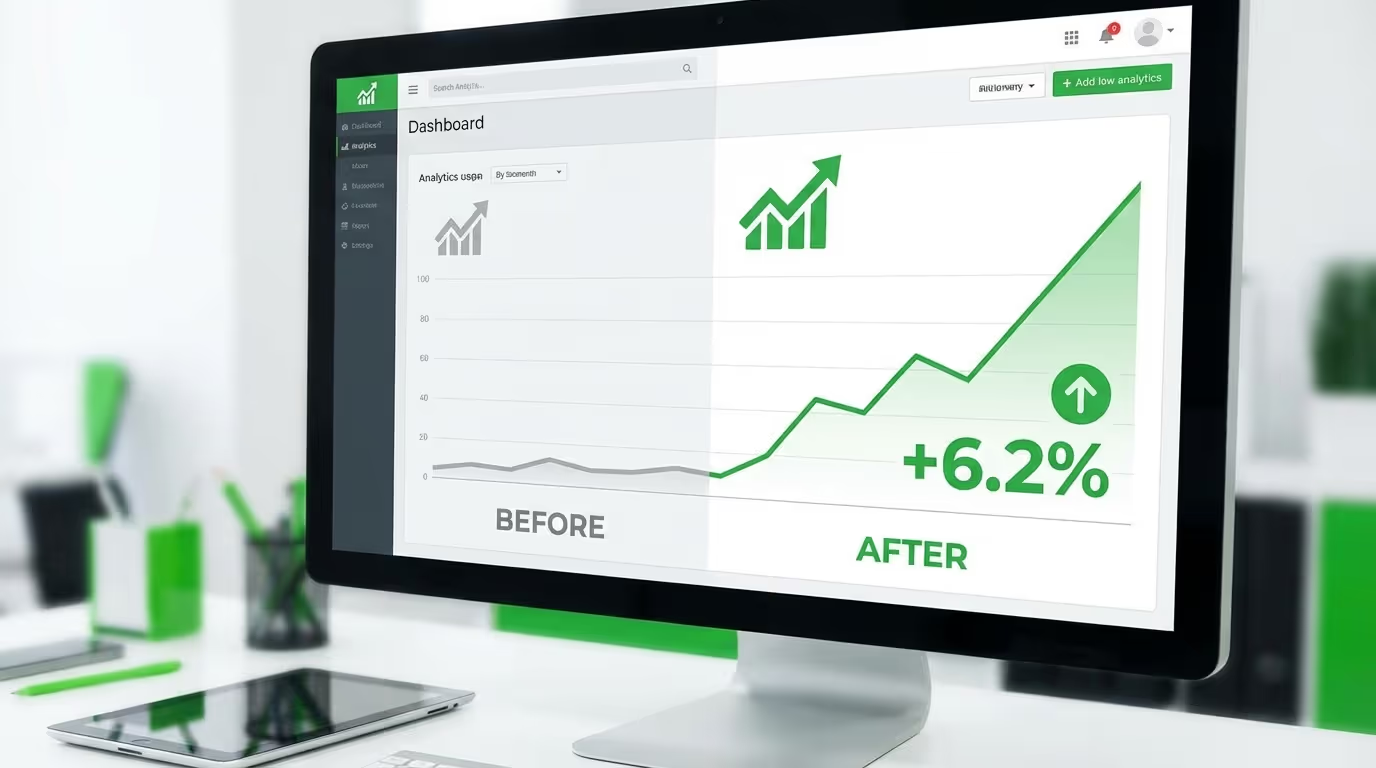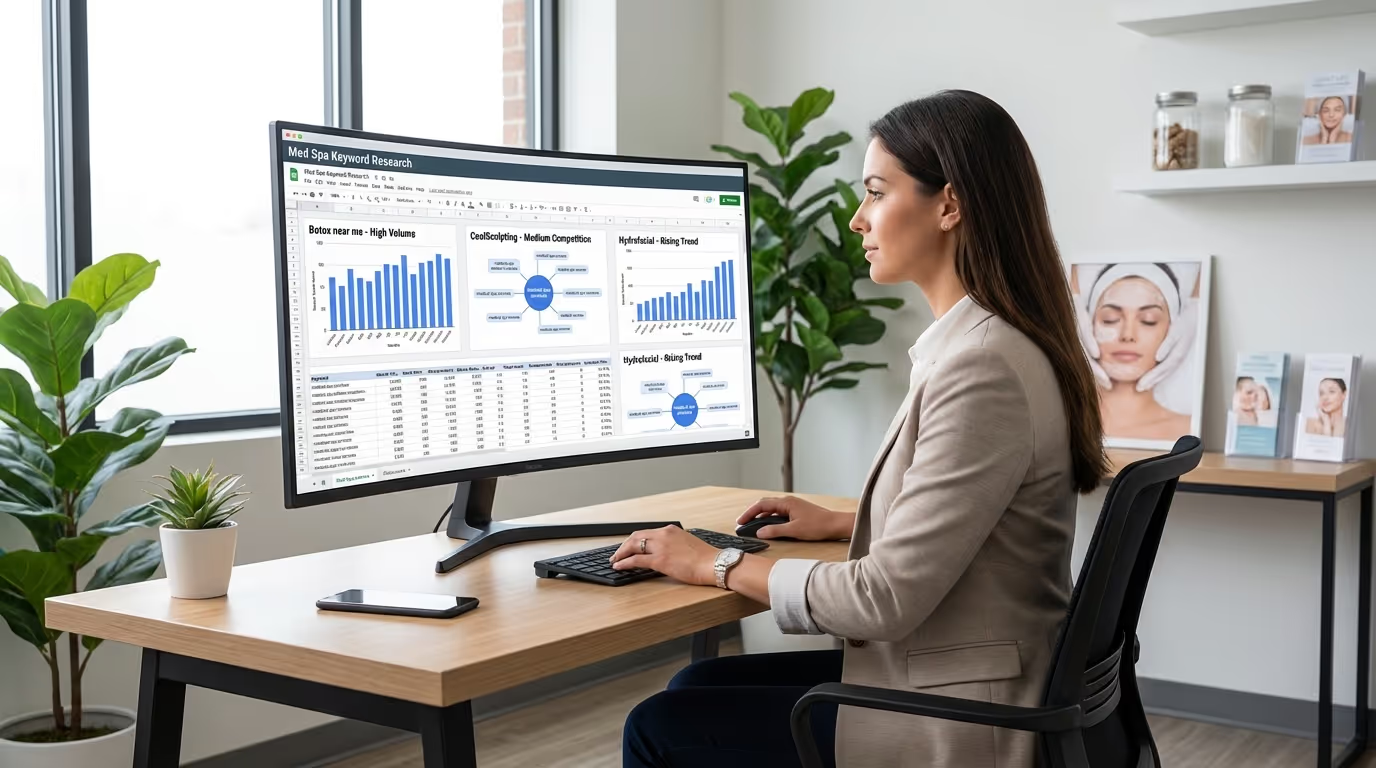

Your med spa website looks beautiful. You spent $5,000 — maybe $15,000 — on a custom design with gorgeous imagery, clean layouts, and all the right treatment pages. But it loads in 6 seconds on mobile, your bounce rate is 72%, and your conversion rate sits at 1.8%.
That beautiful website is costing you patients every single day.
Med spa website optimization is not about making your site look better. It is about making it perform better — faster load times, smoother user experience, and higher conversion rates. These are the three pillars that determine whether your website generates revenue or bleeds it.
Most med spa owners treat their website as a "set it and forget it" project. Launch it. Move on. That is a mistake that leads to poor med spa website speed, declining med spa website UX, and missed med spa conversion rate optimization opportunities. Your website is a living system that needs ongoing optimization, just like your treatment protocols need ongoing refinement.
This guide covers the specific, actionable optimizations that move the needle for med spa websites — not generic web design theory, but the exact changes that turn more visitors into booked patients, organized by effort, impact, and implementation steps.
The Three Pillars of Med Spa Website Optimization
Every med spa website optimization effort falls into one of three categories. Each directly impacts revenue, but through different mechanisms.
| Pillar | What It Controls | Revenue Impact Mechanism | Key Metric |
|---|---|---|---|
| Speed | Whether visitors see your site at all | 53% of mobile users abandon sites taking 3+ seconds | Largest Contentful Paint (LCP) |
| User Experience (UX) | Whether visitors find what they need | Determines if visitors engage or bounce | Bounce rate, pages/session |
| Conversion Rate (CRO) | Whether visitors take action | Turns traffic into leads and patients | Conversion rate (%) |
The compounding effect: A 30% speed improvement + 20% UX improvement + 25% CRO improvement does not create a 75% total improvement. It creates a multiplicative effect: 1.3 x 1.2 x 1.25 = 1.95x — nearly doubling your website's revenue output from the same traffic.
Pillar 1: Speed Optimization
Why Speed Matters More Than You Think
Every additional second of load time reduces conversions by 7%. For a med spa getting 3,000 monthly visitors with a $500 average treatment value, the revenue impact is massive:
| Load Time | Estimated Conversion Rate | Monthly Leads | Monthly Revenue (at 50% booking rate) |
|---|---|---|---|
| 2 seconds | 4.0% | 120 | $30,000 |
| 3 seconds | 3.7% | 111 | $27,750 |
| 4 seconds | 3.4% | 102 | $25,500 |
| 5 seconds | 3.2% | 96 | $24,000 |
| 6 seconds | 2.9% | 87 | $21,750 |
| 8 seconds | 2.5% | 75 | $18,750 |
The difference between 2 seconds and 6 seconds: $8,250/month — $99,000/year. From a one-time technical fix.
Google's Core Web Vitals are also a confirmed ranking factor. Sites that fail get penalized in search. Sites that pass get a boost. For med spa SEO, this is non-negotiable.
How to Measure Your Current Speed
Primary tool: Google PageSpeed Insights (pagespeed.web.dev)
The metrics that matter:
| Metric | What It Measures | Good | Needs Work | Poor |
|---|---|---|---|---|
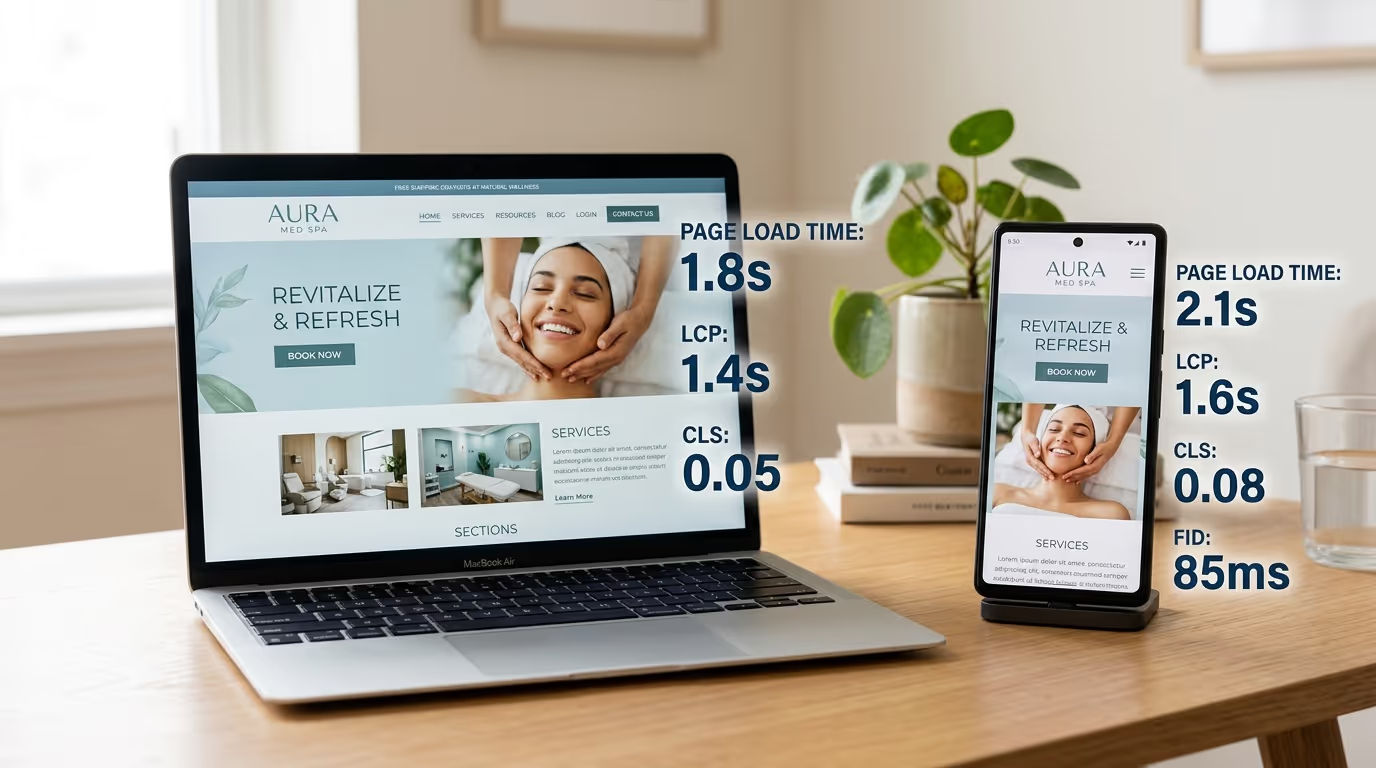
| Largest Contentful Paint (LCP) | Time until main content loads | Under 2.5s | 2.5-4.0s | Over 4.0s |
| Cumulative Layout Shift (CLS) | Page stability as it loads | Under 0.1 | 0.1-0.25 | Over 0.25 |
| Interaction to Next Paint (INP) | Response speed to user input | Under 200ms | 200-500ms | Over 500ms |
| Total Blocking Time (TBT) | Time page is unresponsive | Under 200ms | 200-600ms | Over 600ms |
Most med spa websites we audit score "Poor" on mobile LCP. The primary culprits: unoptimized images, heavy scripts, and render-blocking resources.
Speed Fix 1: Optimize Images (Biggest Impact)
Med spa websites are image-heavy — before-and-after photos, treatment imagery, team photos, facility shots. Each unoptimized image can be 2-5MB. A page with 8 unoptimized images tries to load 20-40MB.
Implementation steps:
- Audit all images on your site (Chrome DevTools > Network tab > filter by "Img")
- Convert all images to WebP format (40-60% smaller than JPEG, no visible quality loss)
- Resize images to actual display dimensions (if it displays at 600px, do not upload 3000px)
- Set quality to 80% compression (imperceptible difference)
- Implement lazy loading: images below the fold only load when user scrolls to them
- Use responsive images (srcset attribute) to serve different sizes for different devices
- For hero images, use
loading="eager"andfetchpriority="high"
Tools: Squoosh.app (manual), ShortPixel (bulk), Webflow (built-in optimization), WordPress (Imagify or ShortPixel plugin)
Expected impact: LCP improvement of 1-3 seconds. Often the single fix that moves a site from "Poor" to "Good."
Speed Fix 2: Minimize and Defer JavaScript
Many med spa websites load multiple third-party scripts: chat widgets, analytics, booking platforms, review widgets, social embeds, tracking pixels, heatmap tools.
Implementation steps:
- Audit every script: Chrome DevTools > Sources > identify all third-party domains
- Remove anything not actively used (old tracking pixels, unused chat widgets)
- Defer non-critical JavaScript using
deferorasyncattributes - Load chat widgets and review widgets only after user interaction (click-to-load)
- Minify all JavaScript files (removes whitespace, shortens variables)
- Bundle scripts to reduce HTTP requests
- Move analytics and tracking to the footer
| Script Type | Loading Strategy | Priority |
|---|---|---|
| Google Analytics / GA4 | Async in head | Load immediately (lightweight) |
| Google Tag Manager | Async in head | Load immediately (manages others) |
| Booking widget | Defer, load on booking pages only | Page-specific |
| Chat widget | Load on user interaction (click "Chat" button) | On-demand |
| Review widget | Lazy load when section is in viewport | Deferred |
| Social media embeds | Lazy load or screenshot-to-click | Deferred |
| Meta Pixel / tracking pixels | Async, bottom of body | Non-blocking |
Expected impact: LCP improvement of 0.5-1.5 seconds, significant INP improvement.
Speed Fix 3: Optimize Hosting
Cheap shared hosting caps your performance regardless of front-end optimization.
Implementation steps:
- If on shared hosting ($5-$15/month), upgrade to managed hosting or switch platforms
- Enable CDN (Content Delivery Network) for global edge caching
- Enable server-level caching
- Enable Brotli compression (20-30% more efficient than Gzip)
- If on WordPress, consider WP Engine, Kinsta, or Flywheel
- If building new, use Webflow (built-in AWS/Fastly CDN)
Expected impact: TTFB improvement of 200-500ms.
Speed Fix 4: Optimize Fonts
Custom fonts are important for brand consistency, but loading multiple families and weights creates overhead.
Implementation steps:
- Limit to 2-3 font families maximum
- Load only weights you actually use (not Thin through ExtraBold when you use Regular and Bold)
- Use
font-display: swapso text is visible immediately in a system font while custom fonts load - Self-host fonts instead of loading from Google Fonts (eliminates DNS lookup)
- Preload critical fonts:
<link rel="preload" href="/fonts/main.woff2" as="font" crossorigin>
Expected impact: LCP improvement of 200-400ms, eliminates FOIT (Flash of Invisible Text).
Speed Fix 5: Fix Cumulative Layout Shift
CLS happens when elements shift position as the page loads. A patient about to tap "Book Now" watches it jump away because an image loaded above it. Frustrating and conversion-killing.
Implementation steps:
- Always specify width and height attributes on images and videos
- Reserve space for ads, embeds, and dynamically loaded content
- Never insert content above existing content after page load
- Use CSS
aspect-ratiofor responsive media containers - Set explicit dimensions on all embedded iframes (booking widgets, videos)
Expected impact: CLS improvement to under 0.1.
Speed Optimization Priority Checklist
| Priority | Action | Expected Impact | Effort |
|---|---|---|---|
| 1 | Convert images to WebP and resize | LCP: -1-3s | Medium |
| 2 | Implement lazy loading for below-fold images | LCP: -0.5-1.5s | Low |
| 3 | Defer non-critical JavaScript | LCP + INP improvement | Medium |
| 4 | Upgrade hosting / enable CDN | TTFB: -200-500ms | Low-Medium |
| 5 | Optimize fonts (limit families, preload, self-host) | LCP: -200-400ms | Low |
| 6 | Fix CLS issues (image dimensions, reserved space) | CLS improvement | Low |
| 7 | Enable Brotli compression | Transfer size reduction | Low |
| 8 | Remove unused scripts and plugins | Overall improvement | Low |
Pillar 2: User Experience (UX) Optimization
Speed gets visitors to your site. UX keeps them there and guides them to take action.
Mobile-First: 72% of Your Traffic
Over 70% of med spa website traffic comes from mobile devices. If your site is not designed mobile-first, you are delivering a poor experience to the majority of visitors.
Mobile UX audit — test yourself:
Pull out your phone. Visit your website. Time yourself doing these three tasks:
- Find the phone number and tap to call
- Navigate to a specific treatment page and find pricing
- Book a consultation
If any task takes more than 30 seconds, your mobile UX needs work.
Common mobile UX failures:
| Problem | Fix | Impact |
|---|---|---|
| Text too small to read (under 16px) | Set body text to 16px minimum | Eliminates pinch-zoom frustration |
| Buttons too small/close together | Minimum 44x44px tap targets with 8px+ spacing | Reduces mis-taps and frustration |
| Horizontal scrolling | Constrain all elements to viewport width | Eliminates broken layout |
| Sticky header eating 20%+ of screen | Minimize mobile header to logo + CTA + hamburger | Maximizes content visibility |
| Full-screen popup on page load | Remove or trigger only on exit intent | Google penalizes intrusive interstitials |
Read our mobile design guide for the complete mobile optimization playbook.
Navigation That Converts
Your navigation must answer three questions within 5 seconds:
- What do you do? (Med spa / aesthetic services)
- Are you near me? (Location visible)
- How do I take the next step? (Book/call CTA prominent)
Navigation best practices:
| Element | Best Practice | Common Mistake |
|---|---|---|
| Menu items | 5-7 maximum | 10+ items creating decision paralysis |
| Primary CTA | "Book a Consultation" in contrasting color, always visible | Generic "Contact" link buried in menu |
| Labels | Descriptive: "Botox & Fillers" | Vague: "What We Offer" or "Solutions" |
| Phone number | In header, click-to-call on mobile | Hidden on contact page only |
| Mobile CTA | Sticky bottom bar with "Book Now" or "Call" | No persistent CTA on mobile |
| Search | Include if 20+ pages | Missing on content-heavy sites |
Treatment Page Structure
Treatment pages are where most conversion decisions happen. A patient considering Botox spends 2-4 minutes on your Botox page before deciding. That page needs to do significant work in a short time.
The optimal treatment page structure (10 sections):
| Section | Content | Purpose | SEO Value |
|---|---|---|---|
| 1. Hero | Treatment name, 1-sentence value prop, result image, CTA | First impression | H1 + primary keyword |
| 2. What it is / How it works | 2-3 paragraphs in patient-friendly language | Education | Secondary keywords |
| 3. Before/after gallery | 4-8 real results with context | Trust + proof | Image alt text keywords |
| 4. Benefits | Outcomes (not features) — "tightens skin" not "uses RF technology" | Desire building | Long-tail keywords |
| 5. Ideal candidate | "This treatment is ideal for patients who..." | Self-identification | Question-based keywords |
| 6. What to expect | Full process walkthrough: consult → prep → treatment → recovery → results | Anxiety reduction | Featured snippet opportunity |
| 7. Pricing | Ranges or "starting at" with financing mention | Friction removal | Cost-related keywords |
| 8. FAQ section | 5-8 common questions with schema markup | Objection handling | FAQ rich results |
| 9. CTA section | "Ready to [outcome]? Book your free consultation." | Conversion | — |
| 10. Related treatments | Links to complementary services | Cross-sell + internal linking | Internal link equity |
See our service page design guide for templates and examples of each section.
Trust Signals That Convert
Med spa patients are making decisions about their face and body. Trust is a prerequisite, not a nice-to-have.
Trust signal placement framework:
| Trust Signal | Where to Place | Impact |
|---|---|---|
| Google rating + review count | Header or hero (every page) | Passive trust on all pages |
| Provider credentials | Provider pages AND treatment pages | "Who will treat me?" answered |
| Before/after photos | Treatment pages (4-8 per page) | Most viewed section, highest conversion impact |
| Patient testimonials (video preferred) | Treatment pages, near CTAs | 3x more persuasive than text |
| Certifications and affiliations | Footer or about page | Industry credibility |
| Transparent pricing | Service pages | Signals confidence and honesty |
| Review count badges | Footer (sitewide) | Continuous social proof |
Pillar 3: Conversion Rate Optimization (CRO)
Speed gets visitors to your site. UX keeps them engaged. CRO turns engagement into booked appointments.
Understanding Your Current Conversion Rate
Conversion rate = (Total conversions / Total visitors) x 100
Benchmarks for med spa websites:
| Rate | Assessment | Action |
|---|---|---|
| Below 2% | Underperforming — significant issues | Urgent fixes needed |
| 2-3% | Average — functioning but leaving money on the table | Systematic optimization |
| 3-5% | Good — above industry average | A/B testing for incremental gains |
| 5-8% | Excellent — well-optimized | Maintain and refine |
| 8%+ | Exceptional — typically landing pages, not main site | Scale traffic to this page |
The revenue math: At 3,000 visitors/month, moving from 2% to 5% conversion means 60 leads becoming 150 leads — no additional ad spend required. At $500 average treatment value and 50% booking rate, that is $22,500/month in additional revenue.
CRO Strategy 1: Multiply Your Calls to Action
Most med spa websites have a "Contact Us" page and maybe a "Book Now" in the navigation. That is not enough.
Every page needs at least two CTAs. One above the fold, one at the bottom. Long pages need CTAs every 500-700 words.
CTA placement framework:
| Location | CTA Type | Example |
|---|---|---|
| Header (sticky) | Primary | "Book a Consultation" button in contrasting color |
| Hero section | Primary | "Schedule Your Free Consultation" |
| After benefits section | Contextual | "Ready to get started? Book now." |
| Sidebar (desktop) | Secondary | Phone number + "Call Us" |
| Mid-page | Contextual | "Want to see if [treatment] is right for you?" |
| Bottom of page | Primary | Full CTA section with heading, subtext, and button |
| Mobile sticky footer | Primary | Fixed "Book Now" or "Call" button |
CTA copy testing hierarchy:
| Copy | Relative Performance |
|---|---|
| "Submit" | Baseline (worst) |
| "Contact Us" | +10% vs Submit |
| "Book Now" | +25% vs Submit |
| "Get My Free Consultation" | +40% vs Submit |
| "Book My [Treatment] Consultation" | +50% vs Submit |
Action-oriented, benefit-driven, specific language always outperforms generic language.
CRO Strategy 2: Reduce Form Friction
Every additional form field reduces submissions by 4-7%.
The optimal med spa form:
| Field | Required | Purpose |
|---|---|---|
| First name | Yes | Personalization |
| Phone number | Yes | Primary contact method |
| Yes | Nurture sequence enrollment | |
| Treatment interest | Optional (dropdown) | Routing + personalization |
That is it. Four fields. Collect everything else during the phone call or appointment.
For online booking: Embed your scheduling platform directly on your site. Every redirect to a separate booking portal loses 20-30% of users at the transition.
Common mistakes:
- Asking "How did you hear about us?" on the lead form (track this with UTM parameters instead)
- Requiring a message/comments field (most people leave it blank anyway)
- Using CAPTCHA that blocks legitimate submissions (use honeypot spam protection instead)
CRO Strategy 3: Social Proof Everywhere
Social proof belongs on every page, not a single testimonials page.
| Placement | What to Show | Why It Works |
|---|---|---|
| Homepage hero | "Rated 4.9/5 by 300+ patients" | First-impression credibility |
| Treatment pages | 1-2 treatment-specific testimonials | Treatment validation |
| Next to every CTA | Review quote near booking button | Reduces anxiety at decision point |
| Pricing sections | "Join 500+ patients who trust us" | Social proof at price evaluation |
| Footer | Google, RealSelf, Yelp badges | Passive trust signal sitewide |
CRO Strategy 4: Exit Intent Popups
When a visitor moves toward closing the tab (desktop) or hits back (mobile), show a targeted offer — not a generic newsletter popup.
Effective exit intent offers for med spas:
| Page They Were On | Exit Intent Offer | Expected Recovery Rate |
|---|---|---|
| Treatment page | "Download our free [treatment] guide" | 3-5% of abandoning visitors |
| Pricing page | "Get our honest price comparison guide" | 4-6% |
| Any page | "Have questions? Text us right now at [number]" | 2-4% |
| Blog post | "Get our complete [topic] checklist" | 3-5% |
On 3,000 monthly visitors with 70% bounce rate, 3-5% exit recovery = 63-105 additional leads per month.
CRO Strategy 5: A/B Test Systematically
Do not guess. Test.
Testing priority (highest impact first):
| Priority | What to Test | Test Variables | Minimum Duration |
|---|---|---|---|
| 1 | Hero headline | Benefit-driven vs. problem-driven vs. specific outcome | 2 weeks or 1,000 visitors/variant |
| 2 | CTA button copy | "Book Now" vs "Get My Free Consultation" vs "Schedule Today" | 2 weeks |
| 3 | CTA button color | Brand color vs high-contrast alternative | 2 weeks |
| 4 | Form length | 3 fields vs 4 fields vs 5 fields | 2 weeks |
| 5 | Social proof placement | Near CTA vs above fold vs both | 2 weeks |
| 6 | Pricing display | Ranges vs "Starting at" vs "Contact for pricing" | 2 weeks |
Tools: Google Optimize (free), VWO, or Optimizely. One variable per test. Never change multiple things simultaneously.
CRO Strategy 6: Optimize Thank You Pages
When someone books or submits a form, they land on a thank you page. Most med spas show "Thanks, we'll be in touch." This wastes a high-engagement moment.
The optimized thank you page:
| Element | Purpose |
|---|---|
| Specific confirmation | "Our team will call you within 2 hours to confirm." |
| Before/after gallery link | Keep them engaged while they wait |
| Social sharing prompt | "Know someone who would love our treatments?" |
| Related blog post link | Educational content builds trust |
| Google conversion tracking pixel | Essential for ad performance measurement |
| Facebook/Meta conversion pixel | Essential for Facebook ad optimization |
The Complete Med Spa Website Optimization Roadmap
Week 1: Quick Wins (High Impact, Low Effort)
| Action | Expected Impact | Time |
|---|---|---|
| Run PageSpeed Insights — fix top 3 recommendations | Speed improvement | 2-4 hours |
| Compress and convert all images to WebP | LCP improvement 1-3s | 2-4 hours |
| Add sticky mobile CTA button | +10-20% mobile conversion | 1-2 hours |
| Reduce contact form to 4 fields | +15-25% form submissions | 30 minutes |
| Add Google review rating to homepage header | +10-15% trust signals | 30 minutes |
Week 2-3: Core UX Improvements
| Action | Expected Impact | Time |
|---|---|---|
| Restructure treatment pages (10-section template) | +25-50% treatment page conversion | 2-4 hours/page |
| Add before/after photos to every treatment page | +20-30% engagement | 2-3 hours |
| Implement click-to-call on mobile | +15-20% phone leads | 30 minutes |
| Fix mobile usability issues from Google Search Console | Eliminates UX penalties | 2-4 hours |
| Add treatment-specific testimonials to service pages | +15-25% conversion | 1-2 hours |
Month 2: Technical Performance
| Action | Expected Impact | Time |
|---|---|---|
| Defer non-critical JavaScript | LCP + INP improvement | 2-4 hours |
| Implement lazy loading for all images | LCP improvement | 1-2 hours |
| Optimize fonts (limit, preload, self-host) | LCP improvement 200-400ms | 1-2 hours |
| Enable CDN if not active | TTFB improvement | 1 hour |
| Fix CLS issues | CLS improvement | 1-2 hours |
Month 3: Conversion Optimization
| Action | Expected Impact | Time |
|---|---|---|
| Implement exit intent popup | +2-5% lead recovery | 2-3 hours |
| Add multiple CTAs to every page | +15-25% conversion | 3-4 hours |
| Start A/B testing headlines and CTA copy | Continuous improvement | Ongoing |
| Optimize thank you pages | Better tracking + engagement | 1-2 hours |
| Set up proper conversion tracking in GA4 | Enables data-driven decisions | 2-4 hours |
Ongoing: Measure and Iterate
| Cadence | Action |
|---|---|
| Weekly | Review GA4 conversion data, check active A/B tests |
| Monthly | Run Core Web Vitals check, review marketing KPIs |
| Quarterly | Update before/after photos, refresh testimonials, audit scripts |
| Annually | Full speed audit, comprehensive UX review, competitive analysis |
Measuring Med Spa Website Optimization Impact
Essential Tracking Setup
Google Analytics 4:
- Configure conversion events: form submissions, phone clicks, booking completions
- Track conversion rate by page, device, and traffic source
- Monitor bounce rate and engagement time by page
Google Search Console:
- Core Web Vitals report (passes/fails by page group)
- Mobile usability issues
- Click-through rate changes from search results
Heatmap tools (Hotjar or Microsoft Clarity — free tiers available):
- See where visitors click, scroll, and drop off
- Identify friction points in booking flow
- Watch session recordings of real user behavior
Diagnostic Framework
| Symptom | Likely Cause | Focus Area |
|---|---|---|
| High bounce rate + high conversion among engaged visitors | Speed or first-impression problem | Speed optimization |
| Low bounce rate + low conversion | CRO problem (weak CTAs, friction) | Conversion optimization |
| High bounce on mobile, low on desktop | Mobile UX problem | Mobile optimization |
| High traffic + low leads | Conversion architecture | CRO across all strategies |
| Low traffic + decent conversion | SEO or content problem | Content and SEO strategy |
| High leads + low bookings | Follow-up and nurture problem | Email/SMS automation |
The Bottom Line
Your med spa website is not a one-time project. It is a revenue system that needs continuous optimization.
Speed, UX, and CRO are the three levers that determine whether your website works for you or against you. Every second of load time, every confusing navigation choice, and every missing CTA costs you patients you already paid to attract through ads, SEO, and social media.
The good news: most optimizations are one-time fixes that pay dividends every month. A website that loads in 2 seconds, guides visitors intuitively, and converts at 5%+ is worth tens of thousands in monthly revenue — from the traffic you are already getting.
Stop pouring money into ads that drive traffic to an unoptimized website. Investing in med spa website performance and med spa website speed is the foundation. Fix it first. Then scale.
Want to know exactly how your med spa website performs? Get Your Free Marketing Audit — We will analyze your site speed, UX, conversion rate, SEO performance, and competitive positioning, then give you the specific fixes that will make the biggest revenue impact. Med spas only.