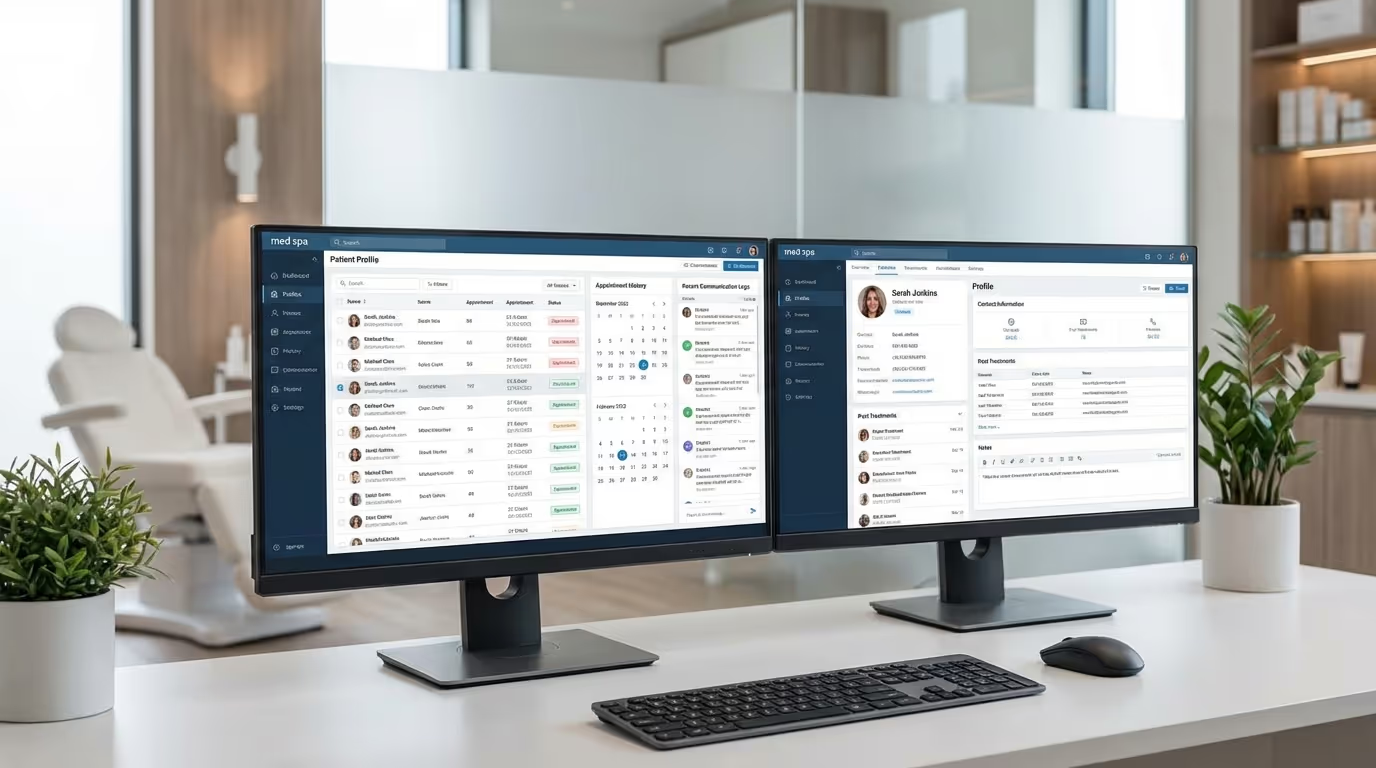

You are probably running your med spa on at least four different platforms right now. One for scheduling, one for patient records, one for marketing, and one for payments. Maybe a fifth for inventory. They do not talk to each other. Your front desk copies patient information between systems. Your providers chart in one place and check schedules in another. And you have no single view of your business performance.
This is the reality for most med spas, and it is costing you more than you think — in staff hours, in dropped leads, in missed rebookings, and in operational chaos that prevents you from scaling.
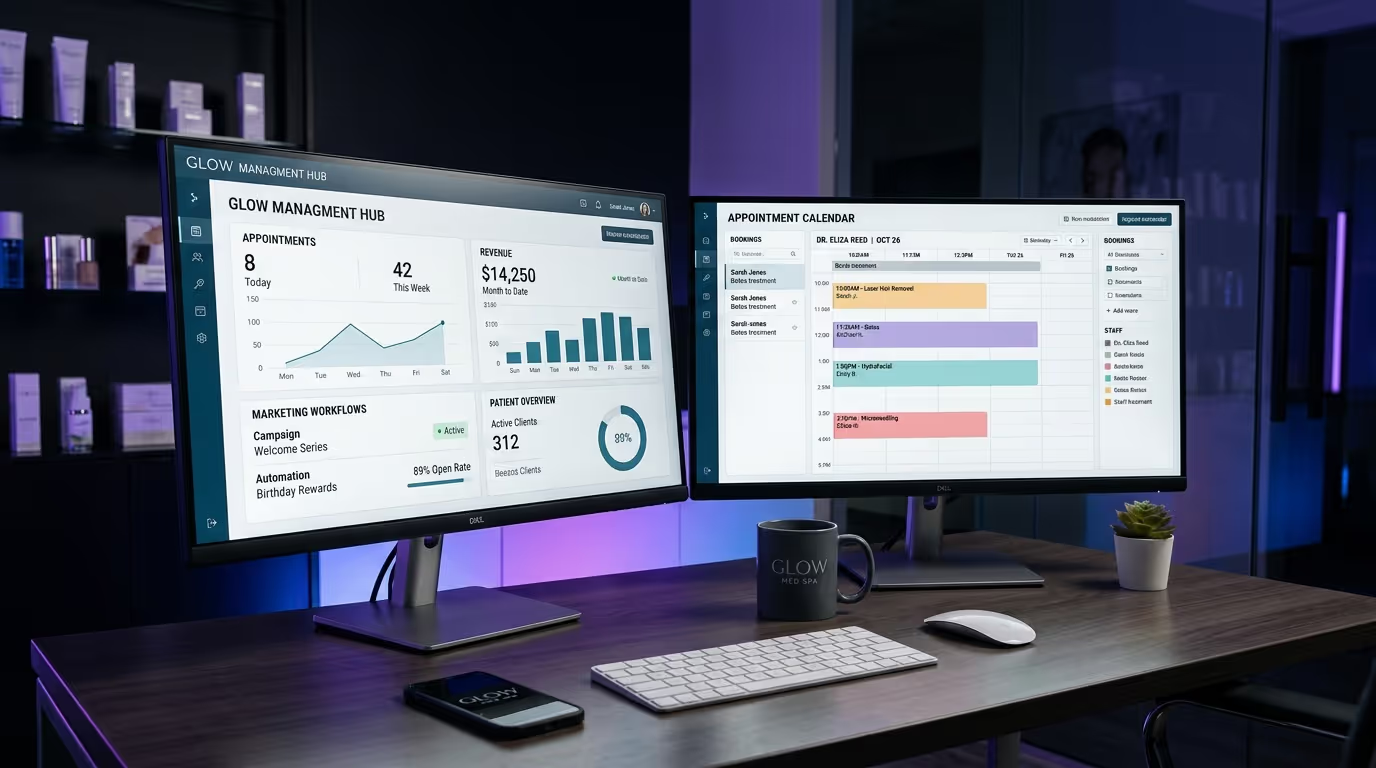
The right med spa management software consolidates these functions, eliminates manual work, and gives you the visibility to actually run your business by the numbers. The wrong software locks you into contracts, charges you for features you do not need, and creates new problems while solving old ones.
This guide breaks down exactly what to look for, what to avoid, how to evaluate the platforms competing for your budget, and how to implement without disrupting your operations. We are not sponsored by any of these companies. We recommend based on what actually works.
The True Cost of Disconnected Systems
Before we compare platforms, let us quantify what your current tech stack fragmentation is actually costing you.
The Hidden Costs
| Cost Category | Typical Monthly Impact | How It Happens |
|---|---|---|
| Staff hours on data entry | $1,200-$2,500 | Copying patient info between 3-4 systems |
| Dropped leads | $3,000-$8,000 | Leads falling through cracks between platforms |
| Missed rebookings | $5,000-$15,000 | No automated follow-up triggers |
| No-show revenue loss | $4,000-$12,000 | Inconsistent or missing reminders |
| Inventory shrinkage | $500-$2,000 | Manual tracking with no reconciliation |
| Reporting time | $500-$1,500 | Manually pulling data from multiple sources |
| Total estimated monthly loss | $14,200-$41,500 | — |
A med spa doing $150,000 per month in revenue that is losing even $20,000 to operational inefficiency is giving away 13% of revenue to problems that software solves. That is not a technology problem. That is a profitability problem.
Understanding these costs is critical to calculating your true marketing ROI and tracking the KPIs that actually drive growth.
What Med Spa Management Software Actually Needs to Do
Most med spa owners shop for software by comparing feature lists without knowing which features actually move the needle. Here are the categories that matter, ranked by impact on your bottom line.
1. Patient Scheduling and Calendar Management
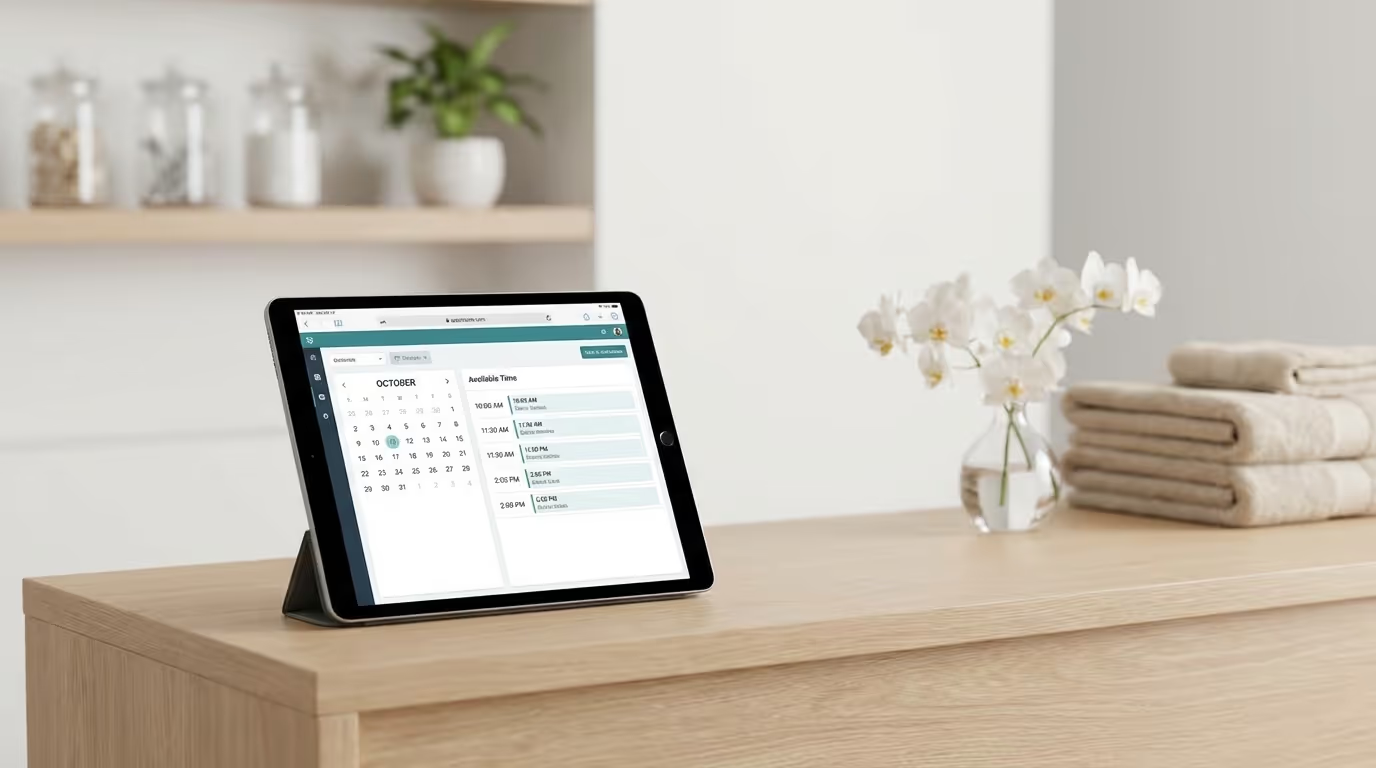
This is table stakes. Every platform offers scheduling. But the difference between good scheduling and great scheduling is significant — and it shows up directly in your revenue.
What Good Looks Like:
| Feature | Why It Matters | Revenue Impact |
|---|---|---|
| Online booking integrated with website | Captures after-hours demand | +10-20% bookings |
| Smart scheduling (provider skills, room, equipment) | Maximizes provider utilization | +5-15% capacity |
| Automated SMS + email reminders | Reduces no-shows | Recovers $3,000-$12,000/month |
| Waitlist automation | Fills cancellations instantly | +$2,000-$5,000/month |
| Multi-provider, multi-location views | Operational visibility | Time savings |
| Patient self-service rescheduling | Reduces phone volume 20-30% | Staff time savings |
What to Watch Out For:
- Platforms that charge per-appointment or per-SMS for reminders — at volume, these add up fast
- Booking systems that require patients to create an account before booking — this is a conversion killer that can reduce bookings by 25 to 40%
- Calendars that cannot handle complex scheduling rules (provider A does injectables Tuesday through Thursday but lasers on Monday and Friday)
The Revenue Impact Math:
A med spa averaging 150 appointments per week that reduces no-shows from 15% to 5% through automated reminders recovers roughly $30,000 per month in lost revenue. This one feature alone can pay for your entire software stack 5 to 10 times over.
Implementation Steps:
- Document your current no-show rate and scheduling workflow before switching
- Configure automated reminders at 48 hours, 24 hours, and 2 hours before appointments
- Set up online booking with treatment-specific time blocks and provider assignments
- Enable waitlist automation to fill cancellations within minutes
- Train front desk on the new scheduling workflow with specific scenarios
- Track no-show rate weekly for the first 90 days to measure improvement
2. Electronic Medical Records (EMR)
Med spas operate in a medical environment, and your charting needs to reflect that. A generic CRM will not cut it for clinical documentation.
What Good Looks Like:
| Feature | Why It Matters | Compliance Impact |
|---|---|---|
| HIPAA-compliant records with audit trails | Legal requirement | Critical |
| Treatment-specific templates | Efficient documentation | High |
| Before/after photo management | Clinical documentation + marketing | High |
| Consent form management with e-signatures | Legal protection | Critical |
| Injection point mapping | Clinical safety + liability protection | Critical |
| Allergy and medical history tracking | Patient safety | Critical |
| Provider notes and treatment plans | Care continuity | High |
What to Watch Out For:
- Platforms that store records outside of HIPAA-compliant infrastructure — this is a liability bomb
- Systems without injection mapping (you need to document exactly where and how much you injected, every single time)
- EMR modules that are clearly afterthoughts bolted onto a scheduling platform
- No audit trail (this is a compliance risk that can result in fines and lawsuits)
The Compliance Reality:
If your EMR does not support proper medical documentation, you are exposed to liability regardless of how good your clinical work is. This is not optional. A single malpractice claim against undocumented treatment can cost $50,000 to $500,000+ in legal fees and settlements — far more than any software investment.
Common Mistakes:
- Using your CRM for clinical documentation (CRMs are not HIPAA-compliant by default)
- Not backing up patient records regularly
- Allowing staff access to records without role-based permissions
- Not maintaining consent forms for every treatment, every patient, every time
3. Customer Relationship Management (CRM)
Your CRM is the engine that turns leads into patients and patients into lifetime value. For med spas, CRM functionality needs to go beyond basic contact management.
What Good Looks Like:
| Feature | Purpose | Revenue Impact |
|---|---|---|
| Multi-source lead capture | All leads in one pipeline | +15-25% lead capture |
| Automated nurture sequences | Email + SMS follow-up | +15-25% consultation conversions |
| Pipeline management with stages | Visual lead tracking | Visibility into revenue pipeline |
| Source attribution | Know which channel generates leads | Marketing budget optimization |
| Patient segmentation | Treatment history, spend, engagement | Targeted marketing |
| Re-engagement automations | Win back lapsed patients | Recover 10-20% of churned patients |
| Review management | Generate and monitor reviews | Reputation management |
The Revenue Impact:
A med spa that implements proper lead nurture sequences typically sees consultation conversion rates increase by 15 to 25%. On 100 leads per month, that is 15 to 25 additional consultations — worth $15,000 to $50,000 in additional monthly revenue depending on your average treatment value.
What to Watch Out For:
- CRM modules that cannot track lead source accurately — if you cannot attribute leads to channels, you cannot optimize your marketing spend
- Systems with limited automation capabilities (if you still need a third-party tool for email sequences, the CRM is incomplete)
- Platforms that charge separately for SMS and email on top of the subscription
- No integration capability with your EMR platform
For a deeper CRM comparison, see our med spa CRM guide.
4. Point of Sale and Payment Processing
You need to collect money efficiently and track it accurately. Payment processing seems simple until you realize how much revenue leaks through the cracks of a bad system.
What Good Looks Like:
| Feature | Why It Matters |
|---|---|
| Integrated payment processing | Seamless checkout experience |
| Treatment package management | Lock in series revenue |
| Membership billing | Recurring revenue automation |
| Automatic payment plan processing | Reduce financial barriers |
| Gift card creation and redemption | New patient acquisition channel |
| Tip processing | Provider satisfaction |
| Accounting integration (QuickBooks, Xero) | Financial accuracy |
| Revenue reporting by provider and treatment | Operational visibility |
What to Watch Out For:
- High payment processing fees — anything above 2.9% + $0.30 per transaction is too high for volume processing
- No support for treatment packages or memberships — these are critical revenue vehicles for med spas
- Systems that make end-of-day reconciliation painful
- No support for patient financing (CareCredit, Cherry, PatientFi)
The Payment Processing Math:
| Monthly Revenue | Processing at 2.6% | Processing at 3.5% | Annual Difference |
|---|---|---|---|
| $100,000 | $2,600 | $3,500 | $10,800 |
| $200,000 | $5,200 | $7,000 | $21,600 |
| $500,000 | $13,000 | $17,500 | $54,000 |
That 0.9% difference in processing rates costs a $200K/month practice over $21,000 per year. Negotiate your rates.
5. Marketing and Communication Tools
Some platforms include built-in marketing tools. Others require third-party integrations. Both approaches can work, but you need to understand what you are getting.
What Good Looks Like:
| Feature | Impact | Priority |
|---|---|---|
| Email marketing with segmentation | Targeted communication | Must-have |
| SMS marketing with compliance | 98% open rates | Must-have |
| Automated review requests | 3-5x more reviews | Must-have |
| Landing page or funnel builder | Campaign conversion | Nice-to-have |
| Revenue attribution reporting | ROI visibility | Must-have |
| Social media scheduling | Content consistency | Nice-to-have |
What to Watch Out For:
- Per-message pricing that makes SMS marketing prohibitively expensive at scale
- Marketing tools that cannot segment by treatment history (sending a Botox promotion to someone who just got Botox last week is a bad look)
- No connection between marketing activity and revenue attribution
6. Inventory Management
Often overlooked, but essential for maintaining margins on product-heavy treatments.
What Good Looks Like:
| Feature | Purpose |
|---|---|
| Product and supply tracking by unit | Accurate stock levels |
| Low-stock alerts | Prevent stockouts |
| Cost tracking per treatment | True margin visibility |
| Supplier integration | Streamlined ordering |
| Expiration date tracking | Neurotoxins and fillers have shelf lives |
| Usage variance reporting | Detect waste or theft |
Common Mistake: Not tracking per-treatment product costs means you do not know your true margins. If your Botox costs $6/unit and you charge $12/unit, you think your margin is 50%. But if your providers are consistently using 10% more product than documented, your real margin is 45% — and you would never know without inventory tracking.
7. Reporting and Analytics
This is where most software falls short, and where the best platforms create separation.
Essential Reports for Med Spa Owners:
| Report | What It Tells You | Review Frequency |
|---|---|---|
| Revenue by provider | Provider productivity and utilization | Weekly |
| Revenue by treatment category | Service mix and trends | Monthly |
| New vs. returning patient ratio | Acquisition vs. retention health | Weekly |
| No-show rate by day/provider | Scheduling optimization | Weekly |
| Rebook rate | Retention effectiveness | Monthly |
| Average ticket value | Upselling effectiveness | Monthly |
| Lead conversion funnel | Marketing effectiveness | Weekly |
| Patient acquisition cost by channel | Marketing efficiency | Monthly |
| Inventory cost and margin | Profitability | Monthly |
What to Watch Out For:
- Platforms where getting basic data requires exporting to Excel — this means the reporting is not built for your use case
- Dashboards that show vanity metrics but not actionable KPIs
- No ability to track provider-level performance (this is critical for managing a multi-provider practice)
The Major Platforms Compared
Here is an honest breakdown of the platforms most med spas evaluate.
Platform Comparison Matrix
| Platform | EMR | CRM | Scheduling | Marketing | POS | Best For | Starting Price |
|---|---|---|---|---|---|---|---|
| Aesthetic Record | Strong | Weak | Good | Limited | Basic | Clinical documentation | ~$150/mo/provider |
| Boulevard | None | Good | Excellent | Basic | Strong | Premium client experience | ~$175/mo |
| AestheticsPro | Good | Moderate | Good | Moderate | Good | All-in-one (mid-size) | ~$200/mo |
| Mangomint | None | Basic | Excellent | Limited | Good | Modern scheduling | ~$165/mo |
| GoHighLevel | None | Excellent | Basic | Excellent | Basic | Marketing + automation | $97-$497/mo |
| Nextech | Excellent | Limited | Good | Limited | Good | Enterprise clinical | $500-$1,500+/mo |
| PatientNow | Good | Moderate | Good | Moderate | Good | Multi-location medical | Custom pricing |
Aesthetic Record
Best for: Solo providers and small practices that prioritize clinical documentation.
Strengths: Purpose-built for medical aesthetics. Excellent injection mapping and treatment documentation. Good before/after photo management. HIPAA-compliant. Consent form management is solid.
Weaknesses: CRM and marketing capabilities are limited. Scheduling works but lacks advanced features. Reporting is basic. You will likely need additional tools for marketing automation and lead management.
Pricing: Starts around $150/month per provider. Scales with features and users.
Implementation Steps:
- Start with clinical workflow setup — treatment templates, consent forms, injection mapping
- Import patient records from previous system (expect 2-4 weeks for clean migration)
- Configure scheduling to match your current appointment types
- Train providers first, then front desk staff
- Plan to supplement with a separate CRM for marketing
The Verdict: Strong EMR, weak business management. If clinical documentation is your primary concern, this is a solid option — but plan on supplementing with a separate CRM and marketing platform.
Boulevard
Best for: High-end med spas focused on premium client experience.
Strengths: Beautiful interface. Excellent scheduling with intelligent booking. Good client management. Strong POS and payment processing. Membership and package management. The self-booking experience is the best in the category.
Weaknesses: Not purpose-built for medical aesthetics — it is a salon/spa platform that works for med spas. EMR capabilities are limited (you will need a separate clinical charting system). Marketing tools are basic. Pricing gets expensive at scale.
Pricing: Starts around $175/month. Custom pricing for larger practices. Per-location fees.
The Verdict: Best-in-class scheduling and client experience, but not a complete med spa solution. You will need to pair it with a dedicated EMR.
AestheticsPro
Best for: Mid-size med spas wanting an all-in-one aesthetics-specific platform.
Strengths: Built specifically for med spas. Combines EMR, scheduling, POS, and marketing in one platform. Injection mapping included. Good reporting for aesthetics-specific KPIs. Consent management and compliance tools.
Weaknesses: Interface feels dated compared to newer platforms. CRM and marketing automation are functional but not best-in-class. Learning curve is steep. Customer support reviews are mixed.
Pricing: Starts around $200/month. Scales with providers and features. Setup fees apply.
The Verdict: A solid all-in-one option that covers most needs without requiring multiple platforms. Not the prettiest, not the most powerful in any single category, but comprehensive.
Mangomint
Best for: Tech-savvy practices that want modern software with strong scheduling.
Strengths: Excellent user experience. Smart scheduling algorithms. Good POS integration. API-first approach allows extensive customization and integrations. Two-way texting. Automated waitlist management.
Weaknesses: Not med-spa-specific — it is a beauty and wellness platform. No EMR capability. Marketing tools are limited. You need to build your own integrations for a complete solution.
Pricing: Starts around $165/month. Scales with features.
The Verdict: Best scheduling platform in the category, but requires pairing with a separate EMR and CRM. Good for practices that want to build a custom tech stack around best-in-class components.
GoHighLevel (GHL)
Best for: Med spas that prioritize marketing, lead management, and automation over clinical documentation.
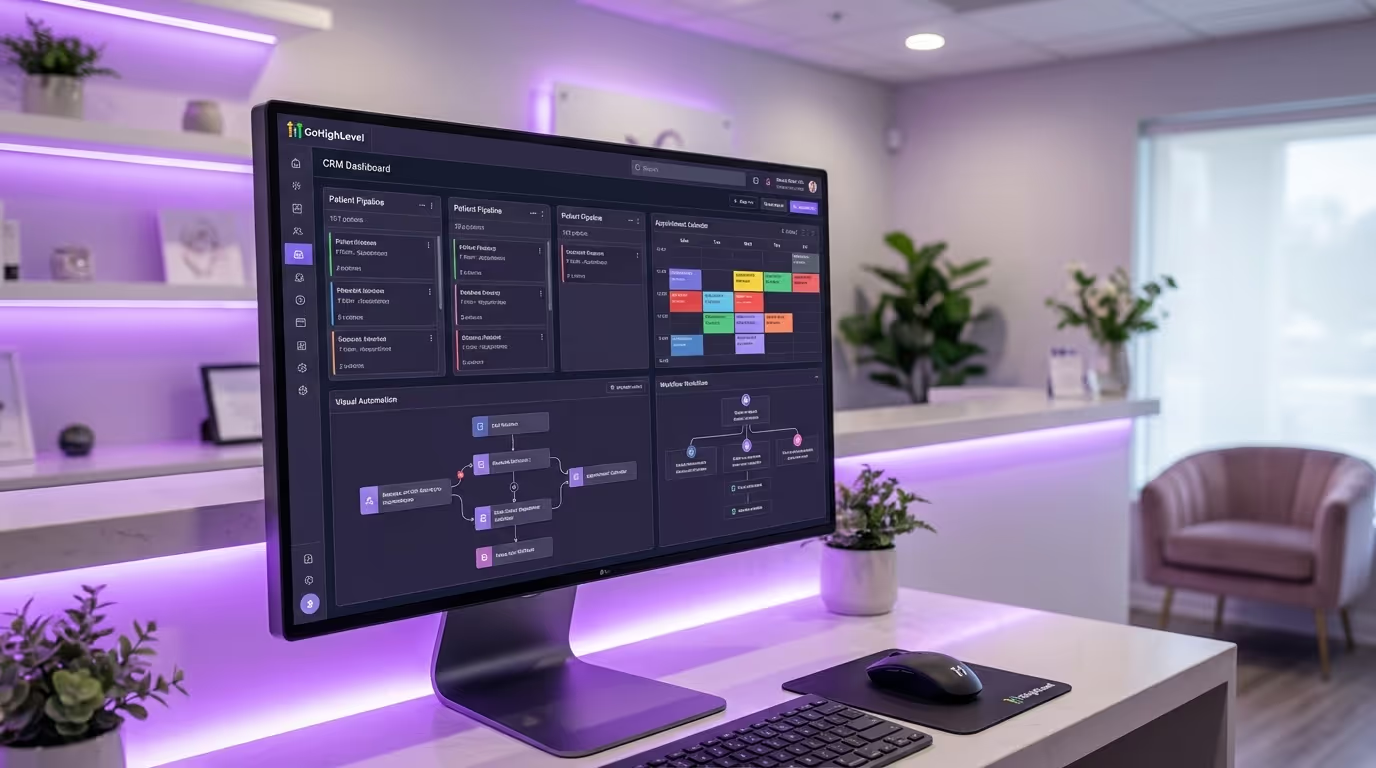
Strengths: Extremely powerful CRM and marketing automation. Funnel builder, email marketing, SMS, pipeline management, and reputation management all in one platform. Highly customizable. Active user community. Affordable for the feature set. Excellent lead nurture and conversion tools.
Weaknesses: No EMR capability whatsoever. Not HIPAA-compliant out of the box for clinical data (do not store patient medical records here). Scheduling is basic compared to purpose-built options. Can be overwhelming to set up without expert help.
Pricing: Starts at $97/month (Starter) up to $497/month (SaaS Pro). White-label options available.
The Verdict: Best-in-class for marketing, lead management, and business automation. But you absolutely need a separate EMR and may want a separate scheduling platform. GHL is the business and marketing engine, not the clinical platform.
For a complete GHL setup walkthrough, see our GoHighLevel for med spas guide.
Nextech
Best for: Multi-provider practices and medical aesthetic groups wanting enterprise-grade EMR.
Strengths: Robust EMR built for aesthetic and dermatology practices. Strong compliance and documentation. Good revenue cycle management. Scales well for multi-location operations. Detailed reporting.
Weaknesses: Enterprise pricing is steep. Implementation is complex and lengthy (3 to 6 months). Marketing and CRM features are limited. The interface lags behind modern platforms. Not ideal for single-provider practices.
Pricing: Custom pricing (expect $500 to $1,500+ per month depending on practice size and features).
The Verdict: If clinical documentation and compliance are your primary drivers and you have the budget, Nextech is the EMR gold standard for aesthetics. Pair with a CRM for the business side.
The Two-Platform Strategy Most Med Spas Need
Here is the honest truth: no single platform does everything well for med spas. The practices that run most efficiently typically use two platforms connected through integrations.
Platform 1: Clinical (EMR + Scheduling + POS) Handles patient records, treatment documentation, scheduling, consent forms, and payments.
Platform 2: Business (CRM + Marketing + Automation) Handles lead capture, nurture sequences, pipeline management, reputation management, email/SMS marketing, and business analytics.
The two platforms connect through integrations (Zapier, native integrations, or API connections) so patient data flows between them without manual entry.
Recommended Combinations by Practice Size
For Practices Under $100K/Month Revenue:
| Function | Recommended Platform | Monthly Cost |
|---|---|---|
| Clinical | AestheticsPro or Aesthetic Record | $150-$250 |
| Business | GoHighLevel | $97-$297 |
| Integration | Zapier (new bookings, treatments, patient sync) | $50-$100 |
| Total | — | $297-$647/month |
For Practices $100K-$300K/Month Revenue:
| Function | Recommended Platform | Monthly Cost |
|---|---|---|
| Clinical | AestheticsPro or Nextech | $200-$800 |
| Business | GoHighLevel or HubSpot | $97-$800 |
| Integration | Zapier + custom API connections | $100-$300 |
| Total | — | $397-$1,900/month |
For Multi-Location Groups:
| Function | Recommended Platform | Monthly Cost |
|---|---|---|
| Clinical | Nextech or PatientNow | $500-$2,000 |
| Business | GoHighLevel or Salesforce Health Cloud | $297-$3,000 |
| Integration | Custom API integrations | $200-$500 |
| Total | — | $997-$5,500/month |
Integration Architecture
The critical data that needs to flow between platforms:
| Data Type | Direction | Trigger |
|---|---|---|
| New patient info | Clinical → Business | Patient created |
| Appointment bookings | Clinical → Business | Booking confirmed |
| Treatment completed | Clinical → Business | Treatment documented |
| Lead captured | Business → Clinical | Lead form submitted |
| Review request | Business (triggered by clinical) | Treatment completed |
| Reactivation trigger | Business (triggered by clinical) | No visit in X days |
| Revenue data | Clinical → Business | Payment processed |
Implementation Steps:
- Map every data field that needs to sync between platforms
- Identify which platform is the "source of truth" for each data type
- Build Zapier automations or API connections for each data flow
- Test every integration with real patient scenarios before going live
- Set up error notifications so you know immediately when a sync fails
- Audit integration accuracy monthly for the first 6 months
How to Evaluate Software Without Getting Burned
Software demos are designed to impress you. Sales reps show you the best features in the best light with perfect data. Here is how to see through the demo and make a decision you will not regret.
Before the Demo
Implementation Steps:
- Document your requirements. Before you talk to any vendor, write down every function you need the software to perform. Rank each as must-have, nice-to-have, or not needed. This prevents you from being dazzled by features you do not actually need.
- Know your numbers. How many patients do you see per week? How many leads come in per month? How many providers do you schedule? How many locations? These determine which tier you need.
- Check your current contracts. Know when your existing software agreements expire. Early termination fees can add thousands to the cost of switching.
- Prepare test scenarios. Write three specific workflows from your practice that you want to see demonstrated live.
During the Demo
Questions to Ask:
| Question | Why It Matters | Red Flag Answer |
|---|---|---|
| "Walk me through my specific patient intake to checkout workflow" | Tests real-world capability | "Let me show you our standard demo instead" |
| "What are the top three complaints from your customers?" | Tests honesty | "We don't have any complaints" |
| "Show me the revenue by provider report for this month" | Tests reporting depth | "You can export to Excel for that" |
| "How long does data migration take and what data transfers?" | Tests implementation reality | Vague or overly optimistic answer |
| "What was your last significant outage?" | Tests reliability | "We've never had one" (impossible) |
| "What does the total cost look like including setup, migration, and overages?" | Tests pricing transparency | Deflection or "it depends" without detail |
After the Demo
Implementation Steps:
- Request a trial. Most platforms offer a 14 to 30 day trial. Use it with real data in a real workflow. Do not just click around — actually process patients through the system.
- Talk to current users. Ask the vendor for three references in medical aesthetics practices similar in size to yours. Call them. Ask what they wish they had known before signing. Ask about support response times during actual problems.
- Calculate total cost of ownership (TCO).
| Cost Component | Questions to Ask | Typical Range |
|---|---|---|
| Subscription fee | Monthly or annual? Discount for annual? | $97-$1,500/mo |
| Setup/implementation | One-time fee? Included in subscription? | $0-$5,000 |
| Data migration | Included? Per-record charge? | $0-$3,000 |
| Training | Included? Per-hour charge? | $0-$2,000 |
| Integration costs | Zapier/API costs? Development needed? | $50-$500/mo |
| Per-user upcharges | Per provider? Per seat? | $25-$200/user/mo |
| SMS/email overages | Per-message pricing? Volume included? | $0-$500/mo |
| Payment processing | Rate? Can you use your own processor? | 2.4-3.5% |
| Annual price increases | Capped? History of increases? | 5-15%/year |
The Real Cost Example:
A platform that looks like $200/month often costs $500 to $800/month when you add everything up. Know the real number before you commit.
| Advertised Cost | Actual Cost Breakdown | Real Monthly Total |
|---|---|---|
| $200/mo subscription | Base subscription | $200 |
| — | +2 additional providers at $75 each | $150 |
| — | +Setup fee amortized over 12 months | $250 |
| — | +Data migration one-time amortized | $167 |
| — | +SMS overages (500+ messages/mo) | $75 |
| — | +Zapier integration | $50 |
| $200/mo advertised | All costs included | $892/mo (year 1) |
Implementation: How to Switch Without Losing Your Mind
Switching software is disruptive. But staying on broken systems is more expensive. Here is how to minimize the pain.
Phase 1: Preparation (2-4 Weeks Before Go-Live)
Implementation Steps:
- Export all current patient data (contacts, treatment history, appointment records)
- Document every current workflow (scheduling, check-in, charting, checkout, follow-up)
- Set up the new platform and configure settings, templates, and automations
- Build any integrations between platforms
- Import patient data and verify accuracy (spot-check at least 50 records)
- Create a rollback plan in case critical issues emerge on go-live
Phase 2: Training (1-2 Weeks Before Go-Live)
Implementation Steps:
- Train each team member on the specific functions they use daily — not the whole system
- Run mock scenarios through the new system using real patient names and situations
- Create quick-reference guides (laminated one-pagers) for common tasks
- Designate a "super user" on your team who becomes the internal expert
- Schedule training in 60-minute sessions maximum — information overload kills retention
Phase 3: Parallel Run (1 Week)
Implementation Steps:
- Run both old and new systems simultaneously for one week
- Document any data discrepancies between systems
- Identify workflow gaps before you cut over completely
- Have the super user available for questions during every shift
- Log every issue, no matter how small — these will inform your optimization phase
Phase 4: Go-Live
Implementation Steps:
- Switch to the new system as the primary platform on a Monday (never on a Friday)
- Keep the old system accessible (read-only) for 90 days for historical data
- Schedule daily check-ins with your team for the first two weeks
- Plan for a 10 to 20% productivity dip in the first week — schedule fewer patients if possible
- Have the vendor's support team on speed dial for the first week
Phase 5: Optimization (30-90 Days Post-Launch)
Implementation Steps:
- Review which automations are working and which need adjustment
- Gather team feedback on usability issues in a structured format (weekly surveys)
- Build additional reports as you learn what data you need
- Refine workflows based on real-world usage
- Track key operational metrics versus your pre-switch baseline
Implementation Timeline Overview:
| Phase | Duration | Key Milestone |
|---|---|---|
| Preparation | 2-4 weeks | Data migrated and verified |
| Training | 1-2 weeks | All staff comfortable with daily tasks |
| Parallel run | 1 week | No critical issues identified |
| Go-live | 1 day | Full cutover to new system |
| Stabilization | 2 weeks | Daily check-ins, issue resolution |
| Optimization | 30-90 days | Refined workflows, baseline metrics met |
Features You Think You Need But Probably Do Not
AI Appointment Recommendations. Sounds great in a demo. In practice, the algorithms are not sophisticated enough to outperform a well-trained front desk coordinator who knows your patients and providers.
Social Media Integration. Managing social media from your management software sounds convenient but is always inferior to purpose-built social tools. Use your management software for what it does best.
Built-in Website Builder. Management software website builders produce mediocre websites. Your website is your most important marketing asset — do not build it inside your scheduling platform. Use a platform like Webflow and follow proper homepage design principles.
Telemedicine. Unless virtual consultations are a significant part of your revenue model, the telemedicine features in most med spa platforms are underbuilt and underused.
Loyalty Program Module. Most built-in loyalty programs are basic point trackers. If loyalty is a priority, evaluate whether the built-in module is robust enough or if you need a dedicated solution.
Features You Underestimate
Automated Review Requests
The single most undervalued feature in med spa software. Automated post-treatment review requests sent at the right time (2 to 4 hours after treatment) consistently generate 3 to 5 times more reviews than manual requests. This directly impacts your Google Business Profile performance and local SEO.
| Review Generation Method | Reviews per 100 Patients | Effort Level |
|---|---|---|
| No system | 2-5 | None |
| Manual ask at checkout | 8-15 | High |
| Automated SMS 2-4 hours after treatment | 20-35 | Low (after setup) |
| Automated SMS + email combo | 25-40 | Low (after setup) |
Two-Way SMS
Your patients prefer texting over calling by a wide margin. Two-way SMS for appointment management, questions, and follow-ups reduces phone volume, improves response times, and increases patient satisfaction.
Automated Rebooking Reminders
A patient who gets a perfectly timed reminder ("Your Botox results typically last 3 to 4 months — it has been 3 months since your last treatment. Ready to rebook?") rebooks at 2 to 3 times the rate of a patient who does not receive one. Across hundreds of patients, this is tens of thousands in recovered revenue through your drip campaigns.
Waitlist Automation
When a patient cancels, the system should automatically offer that slot to patients on the waitlist. This runs in the background and fills gaps that would otherwise be lost revenue. A well-configured waitlist can recover $3,000 to $8,000 per month in revenue that would otherwise be lost to cancellations.
Common Software Selection Mistakes
Mistake 1: Choosing Based on Price Alone
The cheapest software is almost never the best value. A $97/month platform that requires $500/month in supplementary tools and workarounds costs more than a $400/month platform that handles everything. Calculate total cost of ownership, not sticker price.
Mistake 2: Buying More Than You Need
A solo provider doing $50K/month does not need an enterprise platform designed for multi-location groups. Over-buying creates complexity your team cannot manage and features that go unused.
Mistake 3: Not Involving Your Team
Your front desk staff, providers, and billing team will use this software daily. If they were not involved in the evaluation, you will face resistance during implementation. Include at least one representative from each role in the demo process.
Mistake 4: Ignoring Data Portability
Ask every vendor: "If I decide to leave, can I export all my data in a standard format?" If the answer is no or vague, think twice. Data lock-in is how mediocre platforms keep customers.
Mistake 5: Skipping the Reference Check
The demo shows the best case. References show the average case. Always talk to current users before signing.
Mistake 6: Not Negotiating
Software pricing is almost always negotiable. Ask for waived setup fees, discounted annual pricing, or extended trial periods. The end of a quarter is the best time to negotiate — sales reps are trying to hit targets. Potential savings: 15 to 30% off published pricing.
Making Your Final Decision
Here is a simple framework for making the call.
Implementation Steps:
- Identify your top pain point. Is it clinical documentation? Lead management? Scheduling chaos? Marketing automation? Start with the platform that solves your biggest problem best.
- Accept that you will need two platforms. Budget accordingly. The combined investment in clinical and business platforms will be $300 to $1,500 per month for most practices.
- Prioritize integration capability. The platforms you choose must be able to share data. Check for native integrations, Zapier compatibility, and API access before you commit.
- Calculate the 12-month total cost of ownership, not the monthly sticker price.
- Get references from med spas your size. A platform that works great for a solo provider may fall apart at five providers and two locations.
- Negotiate. Ask for waived setup fees, discounted annual pricing, or extended trial periods.
- Set a go-live date and work backwards. Give yourself 6 to 8 weeks from decision to full implementation.
- Define success metrics. What does "working" look like 90 days after go-live? Reduced no-shows? More reviews? Faster lead follow-up? Know what you are measuring.
The Bottom Line
Med spa management software is not a single product — it is a system. The right combination of platforms, properly integrated and fully utilized, will save your team 15 to 20 hours per week, increase your lead conversion rate, improve patient retention, and give you the visibility to make better business decisions.
The wrong software will cost you money, frustrate your team, and create more problems than it solves.
Do the evaluation work upfront. It pays off every single month. The practices running on the right tech stack — with automated rebooking, integrated lead management, proper clinical documentation, and real-time reporting — outperform their competitors on every metric that matters. This is not a technology decision. It is a business growth decision.
Want to see how the right tech stack transforms a med spa's marketing and operations? See Aesthetix Hub in Action — our purpose-built platform for medical aesthetics practices that combines CRM, marketing automation, and practice management in one system designed specifically for the way med spas work.