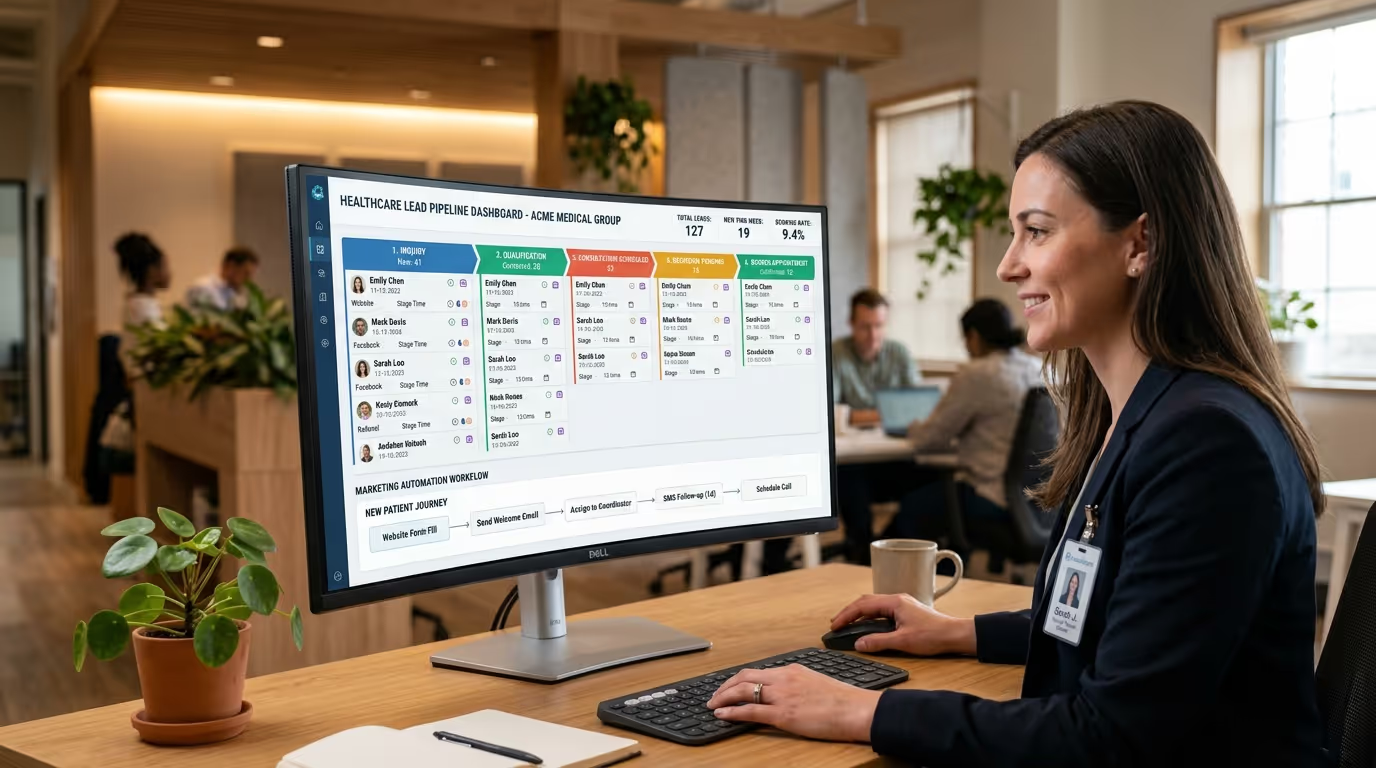

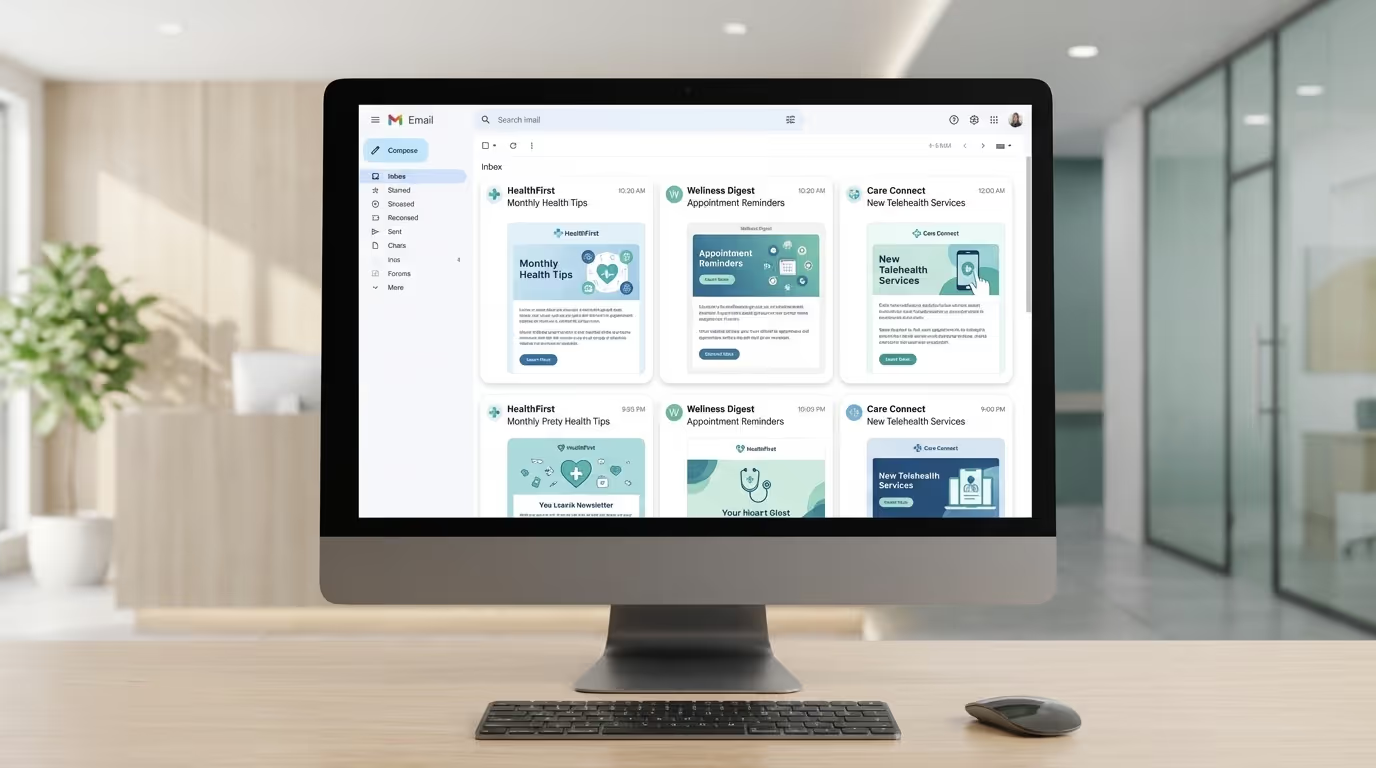
Your patient database is the most underutilized asset in your practice. You spent thousands of dollars acquiring those patients — through ads, SEO, referrals, and word of mouth. Now they are sitting in your EHR or CRM, and the only emails they get from you are appointment reminders and billing statements.
Meanwhile, every retail brand in America emails their customers weekly with promotions, education, and relationship-building content. And it works — email marketing generates an average of $36 for every $1 spent, making it the highest-ROI marketing channel in existence.
Healthcare practices should be doing the same thing. Not with the same tactics — you have compliance requirements that Nordstrom does not — but with the same strategic intent: using email to retain patients, reactivate lapsed patients, promote services, and build a relationship that makes you the default choice when they need care.
This healthcare email marketing guide covers how to do it. HIPAA-compliant email marketing for healthcare practices. Revenue-generating medical practice email marketing with templates you can implement this week. Whether you run a med spa, a dermatology practice, a dental office, or any healthcare business with a patient database, these strategies apply.
Why Healthcare Practices Need Email Marketing
The Economics
It costs 5 to 7 times more to acquire a new patient than to retain an existing one. For a med spa or cosmetic dermatology practice, the average patient acquisition cost is $150 to $400 through paid advertising. The cost of sending an email to an existing patient? Approximately $0.01.
If you have 3,000 patients in your database and email them a monthly newsletter with a treatment promotion, even a 1% conversion rate means 30 bookings per month. At an average transaction value of $350, that is $10,500 in monthly revenue from a channel that costs less than $200 per month to operate.
| Database Size | Monthly Newsletter | 1% Conversion | Avg. Transaction | Monthly Revenue |
|---|---|---|---|---|
| 1,000 patients | 1 email | 10 bookings | $350 | $3,500 |
| 3,000 patients | 1 email | 30 bookings | $350 | $10,500 |
| 5,000 patients | 1 email | 50 bookings | $350 | $17,500 |
| 10,000 patients | 1 email | 100 bookings | $350 | $35,000 |
This is not theoretical. These are the numbers we see from practices that implement email marketing properly. The practices with the largest databases and most sophisticated marketing strategies consistently generate $15,000 to $50,000 per month from email alone.
The Retention Problem
The average healthcare practice loses 15 to 20 percent of its patient base annually through attrition — patients who simply stop coming, not because they are dissatisfied, but because they forget, get busy, or never developed a strong enough relationship with the practice to prioritize return visits.
Email marketing directly addresses this. Regular, valuable communication keeps your practice top of mind. When a patient needs skincare advice, remembers they wanted to try Botox, or develops a new skin concern — they think of you first because you have been in their inbox consistently.
Implementation steps to reduce attrition:
- Set up a monthly newsletter on a fixed schedule (first Tuesday of every month, for example)
- Segment your list by recency — active patients (0 to 6 months), cooling patients (6 to 12 months), lapsed patients (12 months or more)
- Create treatment-specific rebooking reminders triggered by last appointment date
- Send quarterly reactivation campaigns to lapsed patients
- Track your monthly attrition rate and correlate it with email engagement metrics
The Competitive Gap
Fewer than 30% of medical and aesthetics practices have an active email marketing program. This means email is a wide-open competitive advantage. While your competitors are spending all their budget fighting for new patients on Google Ads, you can quietly build a retention and revenue machine that they do not even know they are missing.
HIPAA Compliance for Healthcare Email Marketing
Before diving into strategy, let us address the elephant in the room. HIPAA compliance is the reason many practices avoid email marketing entirely. But HIPAA does not prohibit email marketing — it regulates how you handle Protected Health Information (PHI).
What HIPAA Requires
Marketing emails that do NOT contain PHI are not subject to HIPAA. A newsletter about skin care tips, a promotion for Botox, or an announcement about a new laser machine — these do not reference any individual's health information and are not HIPAA-regulated.
Marketing emails that reference a patient's specific health information or treatment history require HIPAA authorization. Sending an email that says "Since you had Botox three months ago, you might be ready for your next session" references PHI (their treatment history) and requires prior written authorization.
The Practical Framework
| Email Type | Contains PHI? | HIPAA Authorization Required? | Example |
|---|---|---|---|
| General newsletter | No | No | "Top 5 skincare tips for summer" |
| Treatment promotion | No | No | "New CoolSculpting packages available" |
| New service announcement | No | No | "We now offer semaglutide weight loss" |
| Educational content | No | No | "Understanding Botox: How it works" |
| Event invitation | No | No | "Join us for our open house event" |
| Treatment-specific follow-up | Yes | Yes | "Time for your Botox touch-up" |
| Targeted by treatment history | Yes | Yes | "Since you had fillers, consider these..." |
| Third-party marketing | Yes | Yes | Sharing patient info with partners |
The recommended approach: Segment your email marketing into two categories:
- General marketing — sent to your full opt-in list, no PHI, no HIPAA issues
- Treatment-specific follow-ups — sent through your EHR/practice management system with proper authorization on file
For the vast majority of healthcare email marketing, general marketing emails accomplish everything you need without any HIPAA complexity. This approach aligns with the compliance framework we recommend for all healthcare marketing.
Email Platform Requirements
Implementation steps for platform selection:
- Choose an email platform that offers encryption in transit (TLS encryption — most major platforms offer this)
- Verify the platform offers a BAA (Business Associate Agreement) if you plan to use patient data beyond basic contact info
- Configure role-based access controls — limit who can access patient email lists
- Enable audit logging to track who sent what, to whom, and when
- Set up two-factor authentication for all team members with platform access
Platforms that offer BAAs: Mailchimp (paid plans), Constant Contact, ActiveCampaign, HubSpot, GoHighLevel. Note: free tiers of most platforms do not include BAAs.
CAN-SPAM Compliance (Separate From HIPAA)
Every marketing email must also comply with CAN-SPAM:
| Requirement | Implementation |
|---|---|
| Physical address | Include your practice address in every email footer |
| Unsubscribe link | Clear, one-click unsubscribe in every email |
| Honor unsubscribes | Process within 10 business days (best practice: immediately) |
| Honest subject lines | Subject line must accurately reflect email content |
| Ad identification | Clearly identify marketing emails if applicable |
| Sender identification | "From" field must accurately identify your practice |
The 5 Email Campaign Types Every Healthcare Practice Needs
Campaign 1: The Monthly Newsletter
Purpose: Stay top of mind, build relationship, educate, and soft-promote treatments. Frequency: Monthly (minimum) or biweekly Audience: Full opt-in patient list
Newsletter Template Structure:
``` Section 1: Featured Article (educational) "How to Protect Your Skin This [Season]"
- 200-300 words of genuine value
- Positions your practice as the expert
- Link to full blog post on your website
Section 2: Treatment Spotlight "This Month: [Treatment Name]"
- Brief description of the treatment
- Who it is for (candidacy criteria)
- Special offer if applicable
- CTA: "Book Your Consultation"
Section 3: Practice News
- New team member introductions
- New technology or equipment
- Awards or media mentions
- Patient success stories (with consent)
Section 4: Quick Tips
- 3 actionable skin care tips
- Seasonal advice
- Product recommendations
Footer: Appointment booking link, social media links, unsubscribe ```
Subject line formulas that drive opens:
| Formula | Example | Expected Open Rate Lift |
|---|---|---|
| Provider name | "Dr. [Name]'s Monthly Update: [Topic]" | +15% vs. generic |
| Curiosity gap | "What [X]% of Our Patients Don't Know About [Treatment]" | +20% vs. informational |
| Seasonal relevance | "Your [Season] Skin Care Guide Is Here" | +10% vs. generic |
| Question format | "[Treatment] — Is It Right for You?" | +12% vs. statement |
| Personalization | "[First Name], Your Monthly Skin Health Update" | +18% vs. unpersonalized |
Performance benchmarks:
| Metric | Target | Action if Below |
|---|---|---|
| Open rate | 25% – 35% | Improve subject lines, clean list, test send times |
| Click rate | 3% – 5% | Improve content quality, CTA placement, link visibility |
| Unsubscribe rate | Below 0.5% per send | Reduce frequency, improve relevance, segment better |
| Revenue attributed | $2,000+ per send | Improve offers, add urgency, segment by treatment interest |
Campaign 2: Treatment Promotion Campaigns
Purpose: Drive bookings for specific treatments, especially during slower periods or for new offerings. Frequency: 1 to 2 per month (separate from newsletter) Audience: Full opt-in list or segmented by demographics
Promotion Email Template:
``` Subject: [Treatment] Special — [Offer] Through [Date]
Headline: [Compelling treatment headline]
Body:
- What the treatment does (2-3 sentences)
- Who benefits most (2-3 bullet points)
- The offer (clear and specific — dollar amount or value-add)
- Urgency element (limited time or limited spots)
- Credibility (treatment count, provider credentials, star rating)
- CTA: "Book Your [Treatment] Consultation"
Trust elements:
- "Board-certified [specialty]"
- "[X]+ treatments performed"
- "[Star rating] on Google ([X]+ reviews)"
```
Promotion types ranked by revenue impact:
| Promotion Type | Avg. Conversion Rate | Revenue Per Email | Best For |
|---|---|---|---|
| New patient consultation (free/discounted) | 2% – 4% | $8 – $15 | Acquisition |
| Treatment package deals | 1.5% – 3% | $5 – $12 | Revenue per patient |
| Seasonal promotions | 1% – 2.5% | $3 – $8 | Filling slow periods |
| New treatment launch | 1.5% – 3.5% | $5 – $10 | Service awareness |
| Referral bonuses | 0.5% – 1.5% | $2 – $6 | Patient acquisition |
| Loyalty exclusive pricing | 2% – 4% | $8 – $15 | Retention |
Important: Never discount to the point of devaluing your services. A "complimentary consultation" or "bonus treatment with package purchase" is more premium than "50% off Botox." For strategic pricing approaches, always protect your brand positioning.
Campaign 3: Patient Reactivation Campaigns
Purpose: Re-engage patients who have not visited in 6 or more months. Frequency: Quarterly Audience: Patients with no visit in 6 to 12 or more months
This is one of the highest-ROI email campaigns you can run. These patients already know, like, and trust you — they just drifted away. For the complete strategy, see our patient reactivation guide.
Reactivation Email Sequence:
Email 1 (Day 1): Subject: "We miss you at [Practice Name], [First Name]" Body: Personal message acknowledging the gap. Update on new treatments or technology. Invitation to schedule. Special "welcome back" offer.
Email 2 (Day 7, if no response): Subject: "New at [Practice Name] — You Haven't Seen This Yet" Body: Highlight a new treatment, new provider, or new technology they would not have experienced. Focus on what is different since their last visit.
Email 3 (Day 14, if no response): Subject: "[First Name], Your Skin Check Is Overdue" Body: Health-focused message. Reminder about the importance of regular skin checks. Lower-pressure CTA — "Schedule your annual skin check."
Implementation steps:
- Export your list of patients with no visit in 6 or more months from your EMR or CRM
- Segment by last treatment type if possible (for personalized messaging)
- Schedule the 3-email sequence with 7-day gaps
- Track opens, clicks, and bookings attributed to each email
- Remove non-responders after the full sequence — do not keep sending to disengaged contacts
- Run this campaign quarterly for maximum impact
Expected results: A well-executed reactivation campaign typically converts 5 to 10 percent of lapsed patients. If you have 500 lapsed patients, that is 25 to 50 reactivated patients — each worth $500 to $3,000 or more in annual revenue.
| Lapsed Patient Count | 5% Conversion | Avg. Annual Value | Revenue Recovered |
|---|---|---|---|
| 200 | 10 patients | $1,500 | $15,000 |
| 500 | 25 patients | $1,500 | $37,500 |
| 1,000 | 50 patients | $1,500 | $75,000 |
| 2,000 | 100 patients | $1,500 | $150,000 |
Campaign 4: Post-Treatment Follow-Up Sequences
Purpose: Enhance patient experience, reduce complications, and drive rebooking. Frequency: Triggered automatically after each treatment Audience: Individual patients post-treatment
Note: These emails should be sent through your practice management system or CRM (not general email marketing platform) since they reference specific treatments. Ensure you have appropriate consent.
Post-Treatment Sequence:
| Timing | Subject | Content Focus | |
|---|---|---|---|
| 1 | Day 1 | "Your [Treatment] Aftercare Instructions" | Aftercare instructions, what to expect, when to call, emergency contact |
| 2 | Day 3-5 | "How Are You Feeling After Your [Treatment]?" | Check-in on recovery, normal vs. concerning symptoms |
| 3 | Day 14-21 | "How Do You Like Your Results?" | Satisfaction check, review request, before/after photo request |
| 4 | Treatment-specific timing | "Time to Schedule Your Next [Treatment]" | Rebooking prompt with online scheduling link |
Common mistake: Not personalizing post-treatment emails by treatment type. A Botox patient and a CoolSculpting patient have completely different aftercare needs, timelines, and rebooking windows. Use conditional logic or separate workflows to ensure relevance.
Campaign 5: Automated Nurture Sequences
Purpose: Convert leads who inquired but did not book. Frequency: Triggered automatically when a lead enters your system Audience: New leads from website, ads, or social media
This is the drip campaign that converts interest into appointments. Most practices lose 60 to 80 percent of their leads because they follow up once (or never) and give up.
Lead Nurture Sequence:
| Timing | Subject | Content | |
|---|---|---|---|
| 1 | Immediate (within 5 min) | "Thanks for Your Interest, [First Name]" | Confirm inquiry, consultation overview, provider credentials, booking CTA |
| 2 | Day 2 | "What to Expect at Your Consultation" | Walk through consultation process, address cost/pain/recovery concerns, testimonial |
| 3 | Day 5 | "[Treatment] FAQ — Questions Answered" | Top 5-6 FAQs about the treatment, cost ranges, timeline, results |
| 4 | Day 10 | "Patient Story: [Name]'s Experience" | Patient testimonial or case study focusing on decision process and outcome |
| 5 | Day 21 | "Still Considering? Let's Talk" | Soft CTA, acknowledge research takes time, offer phone call or Q&A |
| 6 | Day 45 | "A Special Offer — Just for You" | Time-limited offer with clear deadline, final conversion push |
Benchmarks for lead nurture performance:
| Metric | Target |
|---|---|
| Sequence completion rate | 40% – 60% reach email 6 |
| Overall sequence conversion rate | 8% – 15% book within 60 days |
| Best-converting email | Email 1 (immediate) — typically 3% – 5% conversion alone |
| Revenue per lead entered | $50 – $150 over 60 days |
Email Marketing Best Practices for Healthcare
List Building
Implementation steps (ranked by effectiveness):
- New patient intake forms — Add email marketing opt-in checkbox (checked by default is acceptable under CAN-SPAM but explicit opt-in is better)
- Website pop-up or banner — Offer value: "Get our monthly skin health guide" or "[Treatment] pricing guide" — expect 2 to 4 percent conversion rate
- Consultation forms — Include opt-in for marketing communications
- In-office tablet sign-up — Place at reception for newsletter sign-up with incentive (enter to win a treatment, discount on products)
- Social media — Link to sign-up form in bio with a compelling lead magnet
- Events and webinars — Collect emails at every event and webinar
- Treatment-specific lead magnets — "[Treatment] pricing and candidacy guide" gated behind email capture
Critical: Always get explicit opt-in. Do not assume that because someone is a patient, they want marketing emails. Include an opt-in checkbox or sign-up form. This protects you from CAN-SPAM violations and ensures your list is engaged.
List growth benchmarks:
| Practice Size | Monthly List Growth Target | Method Focus |
|---|---|---|
| New practice (0-500 patients) | 50 – 100 new subscribers | Intake forms, website pop-ups |
| Growing practice (500-2,000) | 100 – 200 new subscribers | All channels, lead magnets |
| Established practice (2,000+) | 200 – 500 new subscribers | Events, content upgrades, paid promotion |
Segmentation
Even basic segmentation dramatically improves email performance. Advanced segmentation is what separates practices generating $5,000 per month from email versus $50,000.
| Segment | Criteria | Use For | Expected Performance Lift |
|---|---|---|---|
| New patients (last 90 days) | Recent intake date | Welcome series, review requests | 2x engagement vs. blast |
| Active patients | Visit in last 6 months | New treatments, loyalty offers | 1.5x engagement |
| Lapsed patients | No visit in 6-12 months | Reactivation campaigns | 3x revenue vs. no campaign |
| Treatment interest | Indicated interest in specific treatment | Targeted promotions | 2-3x conversion vs. general |
| VIP/high-value | Top 20% by revenue | Exclusive offers, early access, events | 2x revenue per email |
| Age-based | 25-35, 36-45, 46-55, 56+ | Age-appropriate treatment promotions | 1.5x relevance |
| Gender | Male vs. female | Gender-specific messaging and offers | 1.3x engagement |
Design and Formatting
Implementation checklist:
- Mobile-first design — 60% or more of healthcare emails are opened on mobile. Test every email on a phone before sending.
- Single-column layout — Easier to read on all devices. Never use multi-column layouts for healthcare emails.
- Clear hierarchy — Headline, body, CTA — in that order. Every section flows logically.
- One primary CTA per email — Do not compete with yourself. One action per email.
- Short paragraphs — 2 to 3 sentences maximum. Wall-of-text emails get abandoned.
- Professional imagery — Consistent with your brand. High-quality, not stock photos.
- Practice branding — Logo, colors, consistent look and feel across every email.
- Preheader text — Optimize the preview text that appears after the subject line. This is free real estate most practices waste.
Subject Lines
Subject lines determine whether your email gets opened. For healthcare, they must balance curiosity with professionalism.
Formulas that work:
| Formula Type | Template | Example |
|---|---|---|
| Curiosity | "The #1 Mistake Patients Make After [Treatment]" | "The #1 Mistake Patients Make After Botox" |
| Benefit | "[Result] in [Timeframe] — Here's How" | "Clearer Skin in 4 Weeks — Here's How" |
| Personal | "[First Name], Your [Season] Skin Care Plan" | "Sarah, Your Summer Skin Care Plan" |
| News | "Now Available at [Practice]: [Treatment]" | "Now Available: Semaglutide Weight Loss" |
| Urgency | "[Treatment] Special Ends [Day]" | "CoolSculpting Special Ends Friday" |
| Question | "Is [Treatment] Right for You?" | "Is Laser Hair Removal Right for You?" |
| Number | "[X] [Treatment] Facts That Surprise Most Patients" | "5 Botox Facts That Surprise Most Patients" |
Avoid:
- ALL CAPS or excessive punctuation
- Spam trigger words used excessively ("free," "act now," "limited time" in combination)
- Misleading subject lines that do not match content
- Overly clinical language that alienates patients
- Subject lines longer than 50 characters (they get cut off on mobile)
Timing and Frequency
Best send times for healthcare emails:
| Day | Time | Performance |
|---|---|---|
| Tuesday | 9-10 AM local time | Highest open rates |
| Wednesday | 1-2 PM local time | Strong click rates |
| Thursday | 9-10 AM local time | Good overall engagement |
| Saturday | 10-11 AM local time | Surprisingly strong for wellness content |
Avoid Monday mornings (inbox overload) and Friday afternoons (weekend mindset).
Frequency guidelines:
| Email Type | Frequency | Notes |
|---|---|---|
| Newsletter | 1-2 per month | Anchor your email program |
| Promotions | 1-2 per month | Separate from newsletter |
| Automated sequences | Triggered by patient actions | Not calendar-based |
| Seasonal campaigns | 4-6 per year | Aligned with treatment seasonality |
| Total marketing emails | 4-6 per month maximum | Quality over quantity |
More than 6 marketing emails per month increases unsubscribe rates significantly. The practices that over-email see 2 to 3 times higher unsubscribe rates and declining open rates across their entire list.
Measuring Healthcare Email Marketing Performance
Key Metrics
| Metric | Healthcare Benchmark | Top Performer | Action if Below Benchmark |
|---|---|---|---|
| Open rate | 25% – 35% | 40%+ | Improve subject lines, clean list, test send times |
| Click-through rate | 3% – 5% | 7%+ | Improve content, CTA placement, link design |
| Conversion rate | 1% – 3% | 5%+ | Improve landing page, offer, urgency |
| Unsubscribe rate | Below 0.5% per send | Below 0.2% | Reduce frequency, improve relevance |
| Bounce rate | Below 2% | Below 0.5% | Clean list, verify emails on import |
| Revenue per email sent | $0.50 – $2.00 | $3.00+ | Improve offers, segmentation, timing |
| List growth rate | 5% – 10% monthly | 15%+ | Add sign-up opportunities, improve lead magnets |
Calculating Email Marketing ROI
Monthly email marketing ROI calculation:
Revenue from email campaigns (track with UTM parameters and booking attribution) divided by Total email marketing costs (platform + content creation + management) equals ROI
Real-world example:
| Component | Amount |
|---|---|
| Monthly email revenue (tracked via UTMs and booking codes) | $12,500 |
| Platform cost | $300 |
| Content creation and management | $500 |
| Total monthly cost | $800 |
| ROI | 15.6x return |
This is a conservative scenario from a practice with 4,000 subscribers. Practices with larger databases and more sophisticated segmentation regularly see 20x or more returns. For context, Google Ads typically delivers 4 to 6x ROAS — making email 3 to 4 times more efficient per dollar spent.
Attribution Tracking
Implementation steps for accurate revenue attribution:
- UTM parameters on every link in every email — source=email, medium=newsletter, campaign=august-botox-promo
- Booking codes — unique promo codes for email offers that staff enter at booking
- "How did you hear about this?" — ask at booking if they saw the email promotion
- CRM tracking — connect email clicks to patient records to track who booked after clicking
- Revenue tagging — in your CRM, tag revenue from email-attributed bookings for monthly reporting
Advanced Healthcare Email Marketing Strategies
Strategy 1: Birthday and Anniversary Emails
Automated emails triggered by patient birthdate or anniversary of first visit.
Implementation steps:
- Collect date of birth during patient intake (make it a required field)
- Set up automation triggered 7 days before birthday
- Send personalized email with a genuine greeting and a specific offer
- Follow up with SMS on the day of (for med spas using SMS marketing)
- Set expiration on the offer (2 to 4 weeks)
- Track redemption rate and revenue attributed
Template: "Happy Birthday, [First Name]! As our gift to you, enjoy [offer — e.g., $50 credit toward any treatment] this month. Schedule your appointment before [date] to redeem."
Benchmarks: Birthday emails consistently outperform regular promotions with open rates of 40 to 50 percent and conversion rates of 5 to 10 percent. This aligns with the birthday automation we detail in our GHL setup guide.
Strategy 2: Seasonal Health Campaigns
Align email campaigns with seasonal health topics and treatment demand:
| Season | Campaign Theme | Promoted Treatments | Subject Line Example |
|---|---|---|---|
| January | New Year skin reset | Chemical peels, laser treatments | "New Year, New Skin — Your Reset Plan" |
| March-April | Spring skin prep | Sunscreen education, pre-summer treatments | "Get Summer-Ready: Start Now" |
| May-June | Summer protection | Skin cancer awareness, UV damage prevention | "Your Summer Skin Survival Guide" |
| September | Fall rejuvenation | Undo summer damage, start pre-holiday treatments | "Fall Is the Best Time for [Treatment]" |
| November | Gift card season | Treatment gift cards, holiday packages | "The Gift They Actually Want" |
Implementation steps:
- Plan your seasonal marketing calendar 90 days in advance
- Create 2 to 3 emails per seasonal campaign
- Align email campaigns with your social media calendar for consistent messaging
- Track revenue by seasonal campaign to optimize for next year
- Start seasonal campaigns 2 to 3 weeks before the season shifts
Strategy 3: Referral Program Emails
Email existing patients with referral incentives:
Template: "Know someone who would benefit from [treatment]? When they mention your name at booking, you both receive [incentive]."
Implementation steps:
- Identify your top 20% of patients by satisfaction and visit frequency
- Send referral program emails to this high-engagement segment first
- Include a shareable referral link or code unique to each patient
- Follow up monthly with a "referral reminder" in your newsletter
- Track referrals by source and calculate cost per referred patient
- Publicly thank referrers (with permission) to encourage more participation
Strategy 4: Educational Series
Multi-email series that educate patients on a topic and warm them toward booking:
Series ideas:
- "Your Complete Guide to Anti-Aging Treatments" (4-email series)
- "Understanding Your Skin Type" (3-email series)
- "Preparing for Your First Cosmetic Treatment" (5-email series)
- "The Science Behind [Treatment]" (3-email series)
Implementation steps:
- Choose a topic aligned with your highest-revenue treatment
- Break the topic into 3 to 5 digestible emails
- Send one email every 3 to 5 days
- Each email ends with a soft CTA, with the final email including a direct booking offer
- Track how many series completers convert versus single-email recipients
- Repurpose series content as blog posts for SEO value
Strategy 5: Win-Back Campaign for Lost Patients
Target patients who have not visited in 12 or more months with an aggressive re-engagement sequence:
Sequence:
| Timing | Subject | Approach | |
|---|---|---|---|
| 1 | Day 1 | "Everything okay, [First Name]?" | Empathetic check-in, not salesy |
| 2 | Day 7 | "Here's what you've been missing" | New treatments, new tech, practice improvements |
| 3 | Day 14 | "A special welcome-back offer" | Significant incentive with clear deadline |
If no response after 3 emails, move them to a separate "inactive" segment. Continue sending newsletters but stop promotional emails. After 6 more months of no engagement, consider removing them to keep your list healthy.
Common Healthcare Email Marketing Mistakes
| Mistake | Why It Hurts | The Fix |
|---|---|---|
| Treating email as broadcast | Patients tune out when every email is "Buy this! Book now!" | Follow the 80/20 rule: 80% educate/inform, 20% promote |
| Not cleaning your list | Bounces and non-openers hurt sender reputation and deliverability | Clean quarterly: remove hard bounces, segment non-openers |
| Ignoring mobile | 60%+ of your audience has a bad experience | Use responsive templates, test on mobile before every send |
| No call to action | No CTA means no conversions, no matter how good the content | One clear, specific CTA per email |
| No strategy | "We haven't sent one in a while" is not a strategy | Plan email calendar quarterly, align with business goals |
| Sending without testing | Broken links, typos, and formatting errors destroy credibility | Send test emails to 3+ devices before every campaign |
| No segmentation | Generic blasts underperform targeted emails by 2-3x | Start with basic segments (active, lapsed, new) and expand |
| Buying email lists | Purchased lists have 90%+ unsubscribe rates and get you flagged as spam | Build your list organically through the methods above |
Getting Started: Your First 30 Days of Healthcare Email Marketing
Week 1: Foundation
- Choose an email platform (recommend: ActiveCampaign, Mailchimp, or GoHighLevel)
- Import your patient email list (with opt-in documentation)
- Set up your email template (branded, mobile-responsive)
- Clean your list (remove bounces, duplicates, obvious invalid addresses)
Week 2: First Campaigns
- Write and schedule your first newsletter
- Set up automated appointment reminder emails (if not already active)
- Create your review request email template
- Build your first lead nurture sequence (6 emails over 45 days)
Week 3: Launch
- Send your first newsletter
- Launch your lead nurture sequence
- Set up basic segmentation (active, lapsed, new patients)
- Monitor deliverability, open rates, and click rates daily
Week 4: Optimize and Expand
- Analyze first newsletter performance against benchmarks above
- Plan next month's email calendar
- Set up your first promotional campaign
- Begin building reactivation campaign for lapsed patients
Within 30 days, you will have a functioning email marketing system. Within 90 days, you will have data showing exactly how much revenue it generates. And within 6 months, email marketing will likely be your highest-ROI channel — surpassing Google Ads, Meta Ads, and SEO on a per-dollar-spent basis.
The practices that start today and commit to consistency will have an insurmountable advantage over competitors who keep ignoring their patient database. Your database is not just a list of names — it is a revenue engine waiting to be activated.
Want to know how much revenue is sitting untapped in your patient database? We will audit your current email marketing (or lack thereof), assess your patient database opportunity, and build a plan for turning those contacts into recurring revenue. Free analysis, no strings.