
Your website is either your best salesperson or your worst enemy. There is no in-between. The most common med spa website mistakes are costing practices hundreds of thousands in lost revenue every year.
Every day, potential patients land on your site, form an opinion in under 3 seconds, and either book a consultation or click back to Google and choose someone else. That decision — happening hundreds of times per month — is determined by your website's design, speed, content, and user experience.
After auditing hundreds of med spa websites across the US and Canada, we have identified the 10 med spa website problems that appear most frequently and cost the most in lost revenue. These medical spa website errors are costing practices patients every day. Some are obvious. Others may surprise you. All are fixable.
For each mistake, we cover why it damages your business, the exact implementation steps to fix it, the data behind the impact, and the common errors practices make when attempting the fix.
Mistake 1: No Clear Value Proposition Above the Fold
A patient lands on your homepage. The first thing they see: a stock photo of a woman touching her face, your logo, a navigation menu, and a tagline like "Experience the Difference" or "Your Journey to Beautiful Starts Here."
What they do not see: what you do, where you are located, and why they should choose you.
The above-the-fold content — visible without scrolling — is the most valuable real estate on your entire website. You have roughly 3 seconds to communicate who you are and what action to take. Generic taglines and stock photos waste that window completely.
Why This Costs You Patients
| Impact | Data |
|---|---|
| First impression formation | Under 3 seconds (Google research) |
| Bounce rate from unclear value prop | 55-70% of homepage visitors |
| Improvement from clear value prop | 20-40% reduction in bounce rate |
| Revenue impact (2,000 monthly visitors) | $5,000-$15,000/month in recovered conversions |
How to Fix It
Implementation steps:
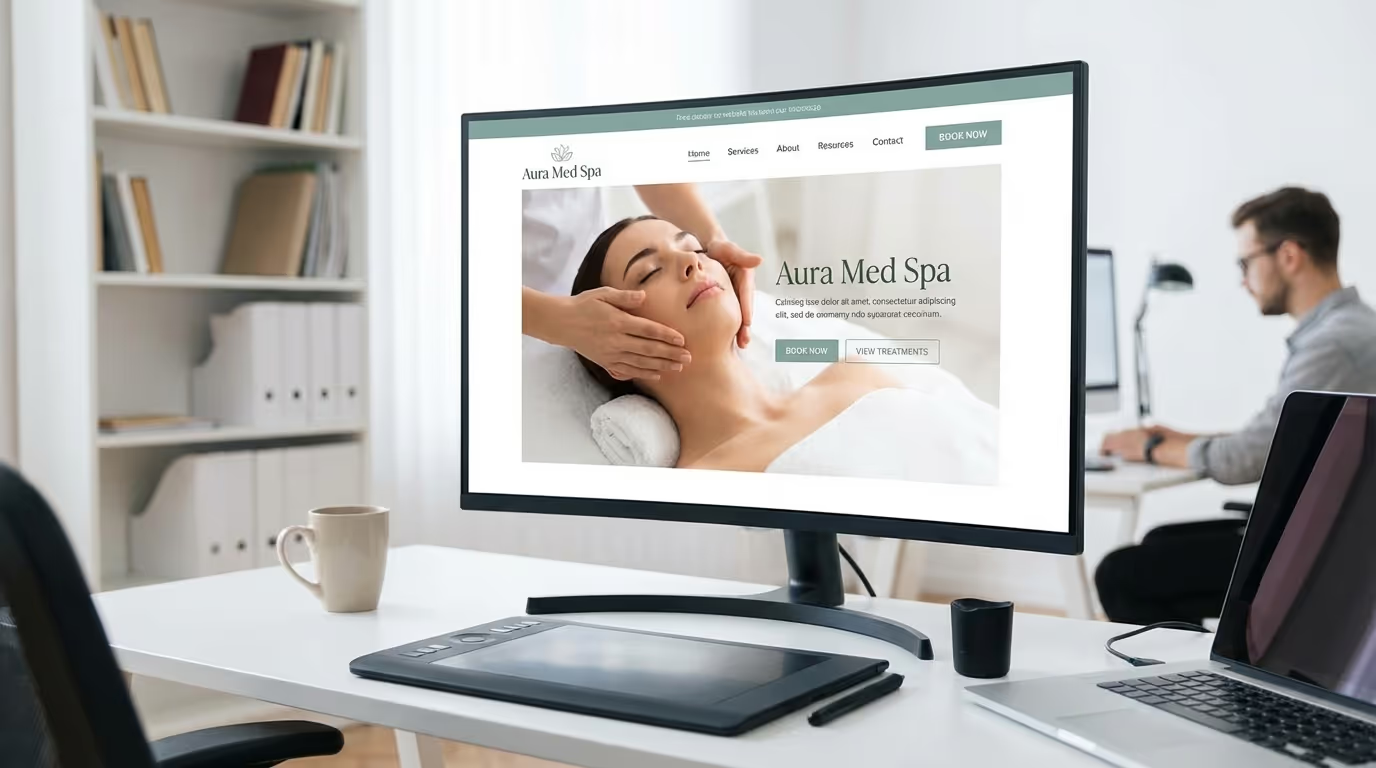
- Replace generic taglines with specific positioning: "Premier Med Spa in [City]" — not "Experience the Difference"
- Add a clear statement of services: "Botox, Fillers, Body Contouring & Advanced Skin Treatments"
- Place a prominent CTA button: "Book Your Free Consultation" in a contrasting color
- Display your Google review rating and count: "4.9 Stars from 300+ Patients"
- Include your city name (critical for local SEO)
- Use an authentic photo of your space or team — not stock imagery
Common mistakes when fixing:
- Making the CTA too small or low-contrast
- Using multiple CTAs that compete (stick to one primary action)
- Including too much text (keep it scannable, not a paragraph)
- Forgetting to include city name (loses local relevance)
Review our homepage design guide for the complete 12-element framework.
Mistake 2: One Services Page for Everything
This is one of the most damaging mistakes for both conversions and SEO, and we see it on the majority of med spa websites.
A single page titled "Our Services" lists Botox, fillers, laser hair removal, CoolSculpting, chemical peels, microneedling, PRP, and every other treatment — each with a paragraph or two and maybe an icon.
Why This Destroys Your Growth
For SEO: Google cannot rank a single page for 15 different treatment keywords. A page targeting everything ranks for nothing. You need individual pages targeting specific keywords like "Botox in [City]" or "laser hair removal [City]."
For conversions: A patient who searched "lip filler [city]" and lands on a page with 15 treatments listed has to hunt for relevant information. Every extra step between landing and finding what they want reduces conversion probability.
| Approach | Organic Traffic Potential | Conversion Rate | Revenue Impact |
|---|---|---|---|
| Single "Services" page | Ranks for 0-2 treatment keywords | 1-2% | Baseline |
| Individual treatment pages | Ranks for 10-20+ treatment keywords | 3-5% | 3-5x baseline |
How to Fix It
Implementation steps:
- Create a dedicated page for every treatment you offer
- Each page should contain:
- Detailed treatment description (1,500-2,500 words)
- How the treatment works (patient-friendly language)
- Benefits and expected results (outcomes, not features)
- Ideal candidates ("This treatment is right for you if...")
- What to expect (consultation, preparation, treatment day, recovery, results timeline)
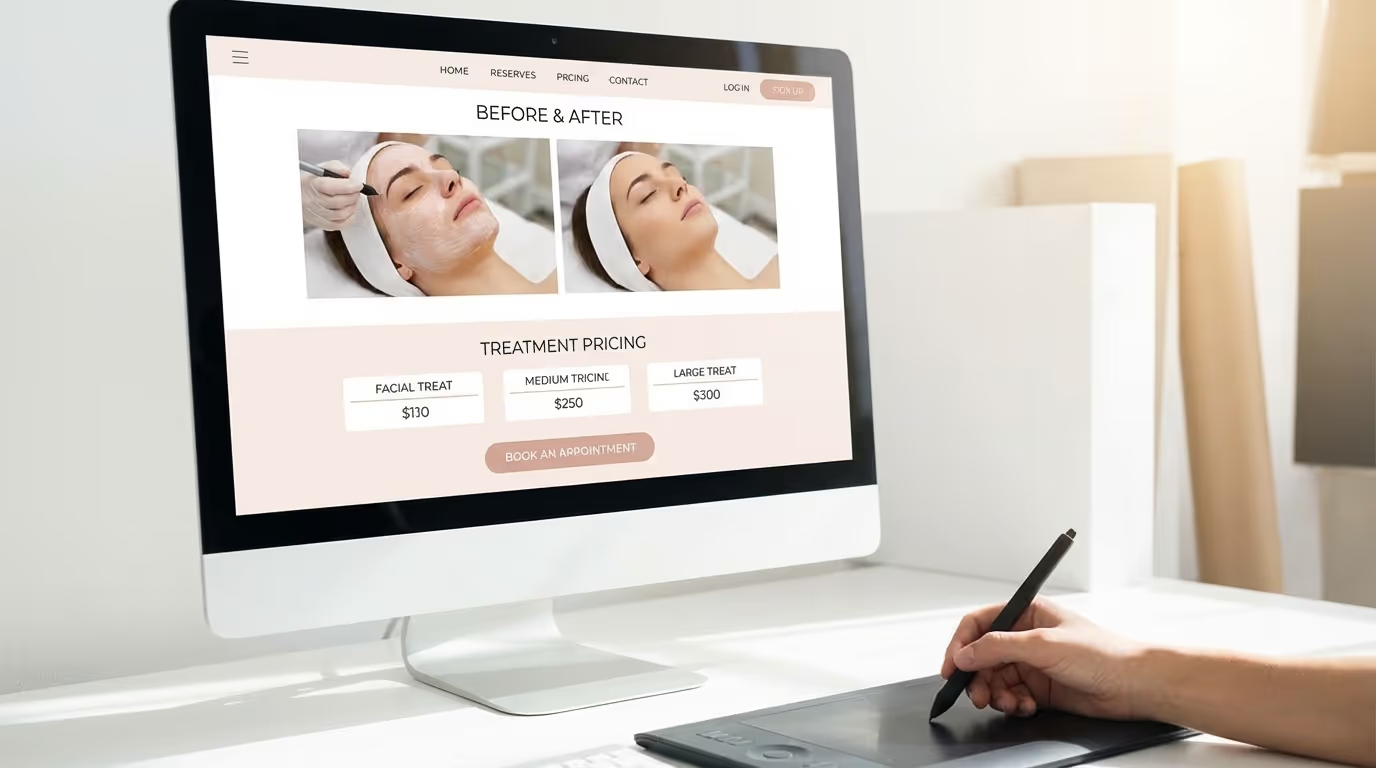
- Pricing information (ranges are fine — see Mistake 7)
- Before-and-after photos specific to that treatment
- FAQ section with schema markup (5-8 questions)
- Clear booking CTA
- Internal links to related treatments
- Optimize each page for a primary keyword: "[treatment] [city]"
- Submit new pages to Google Search Console for faster indexation
- Build internal links from blog posts to treatment pages
Common mistakes when fixing:
- Creating thin pages with only 200-300 words (not enough for ranking or conversion)
- Copy-pasting the same template without treatment-specific detail
- Missing FAQ schema (free rich snippet opportunity)
- Not adding before-and-after photos (the highest-converting content element)
See our service page design guide for the complete template.
Mistake 3: Stock Photography Instead of Authentic Imagery
Professional photography is expensive. Stock photos are easy. But here is what stock photos communicate: "We are not real."
Patients choosing a med spa are making one of the most personal healthcare decisions. They are choosing who to trust with their face and body. When they see the same generic stock photo appearing on 400 other websites, it creates subconscious distrust.
The Data
| Image Type | Patient Trust Score | Engagement Rate | Conversion Impact |
|---|---|---|---|
| Stock photography | Low (23% trust rating) | Baseline | Baseline |
| Mixed stock + real photos | Medium (51% trust rating) | +15-20% | +10-15% conversion |
| Professional custom photos | High (78% trust rating) | +35-50% | +25-35% conversion |
| Custom photos + video | Highest (89% trust rating) | +50-65% | +35-50% conversion |
How to Fix It
Implementation steps:
- Schedule a professional photoshoot ($500-$2,000 for 6-12 months of content)
- Shoot your actual space: reception, treatment rooms, consultation rooms, exterior
- Photograph your real team: providers in their element, staff interactions, candid moments
- Capture authentic patient experiences (with signed consent): consultations, treatments, results
- Build before-and-after galleries — the most powerful conversion tool in med spa marketing
- Replace all stock photos on homepage, service pages, about page, and booking page
Acceptable stock photo use: Blog posts, conceptual sections, decorative elements. But any patient-facing conversion page (homepage, services, about, booking) must use real imagery.
Common mistakes when fixing:
- Using personal phone photos (quality matters — hire a professional)
- Not getting signed photo release forms from patients
- Inconsistent photo quality across the site
- Not updating photos annually (staff changes, renovations)
Read our photography guide for the complete shot list and direction framework.
Mistake 4: Slow Page Speed
Your website takes 5.8 seconds to load on mobile. You do not notice because you check it on office WiFi with a desktop browser. But 72% of your visitors are on phones — and they feel every millisecond.
The Speed-Revenue Connection
| Load Time | Mobile Bounce Rate | Conversion Rate Impact | Monthly Revenue Lost (2,000 visitors) |
|---|---|---|---|
| Under 2 seconds | 9% | Baseline | — |
| 3 seconds | 32% | -7% per second | $1,000-$3,000 |
| 5 seconds | 53% | -21% total | $5,000-$12,000 |
| 7 seconds | 73% | -35% total | $10,000-$20,000 |
| 10+ seconds | 90%+ | Site is effectively broken | Nearly all potential revenue |
Google also uses page speed as a ranking factor. Slow sites get less organic traffic, compounding the problem.
How to Fix It
Implementation steps (in priority order):
- Test your current speed: Run pagespeed.web.dev on your homepage and top treatment pages. Record your mobile scores.
- Compress all images to WebP format and resize to actual display dimensions (biggest impact — saves 40-70% of page weight)
- Implement lazy loading for below-the-fold images
- Defer non-critical JavaScript (chat widgets, review widgets, analytics — load after main content)
- Enable browser caching and Gzip/Brotli compression
- Remove unnecessary plugins, scripts, and tracking codes (audit every script on your site)
- Upgrade hosting if on shared hosting (or switch to Webflow for built-in fast hosting)
- Use a CDN for faster global delivery
Target metrics:
| Metric | Target | How to Measure |
|---|---|---|
| Google PageSpeed Mobile score | 80+ | pagespeed.web.dev |
| Largest Contentful Paint (LCP) | Under 2.5 seconds | PageSpeed Insights |
| Cumulative Layout Shift (CLS) | Under 0.1 | PageSpeed Insights |
| Interaction to Next Paint (INP) | Under 200ms | PageSpeed Insights |
If your mobile score is below 50, this is an emergency. Fix it this week.
Our complete website optimization guide covers every speed fix in detail.
Mistake 5: No Social Proof on Key Pages
You have 200 Google reviews at 4.8 stars. That is incredible. And none of it is visible on your website.
Social proof is the most powerful trust-building element on any website. For med spas, it is not a nice-to-have — it is a conversion requirement.
How to Fix It
Implementation steps:
| Page | Social Proof to Display | Placement |
|---|---|---|
| Homepage | Google review widget (rating + count + 3-5 recent reviews) | Above the fold or hero section |
| Each service page | 2-3 treatment-specific testimonials | After benefits section, before CTA |
| About/team page | Provider-specific reviews mentioning individual practitioners | Below each provider's bio |
| Booking page | 1-2 testimonials near the form | Adjacent to booking form |
| Footer (sitewide) | Aggregate: "500+ 5-Star Reviews" badge | Every page |
Additional social proof elements:
- "2,000+ Treatments Performed" (aggregate proof)
- "10 Years in [City]" (longevity proof)
- "Board Certified by [Board]" (credential proof)
- "[Allergan Diamond Provider]" (industry recognition)
Common mistakes when fixing:
- Using generic testimonials from "Sarah M." with no verification source
- Putting all reviews on a dedicated "Testimonials" page nobody visits
- Not including treatment-specific reviews on treatment pages
- Using only text reviews (video testimonials convert 3x better)
Build your review strategy alongside your website to ensure a steady flow of fresh social proof.
Mistake 6: Buried or Complicated Booking Process
Count the clicks from your homepage to a completed booking. If it is more than 3, you are losing patients to friction.
Common Booking Flow Problems
| Problem | Impact | How Common |
|---|---|---|
| No online booking — phone number only | Loses 40-60% of leads (patients prefer online) | 15% of med spas |
| Booking opens in new tab (different design) | Loses 20-30% at transition | 35% of med spas |
| 10+ required form fields | Loses 4-7% per extra field | 25% of med spas |
| Booking page buried under "Contact" or "Patient Info" | Reduces discovery by 50% | 20% of med spas |
| No confirmation after submission | Uncertainty leads to duplicate submissions and anxiety | 30% of med spas |
How to Fix It
Implementation steps:
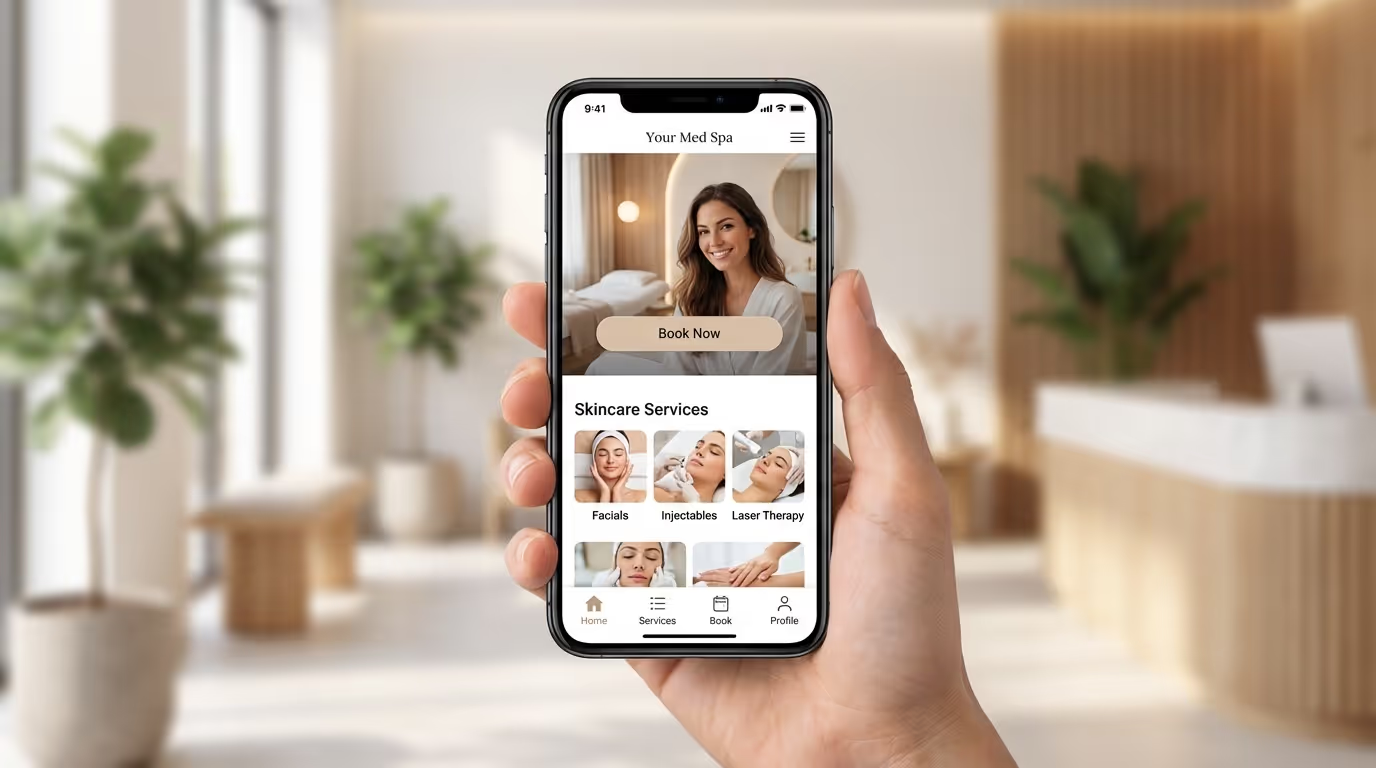
- Add "Book Now" button in your navigation header — visible on every page, every device
- Embed your booking widget directly on your site (matching your design)
- Limit initial form to 4-5 fields: name, phone, email, treatment interest, preferred date
- Send instant confirmation via email AND SMS
- Include a click-to-call phone number alongside online booking (some patients prefer calling)
- Add a floating/sticky booking button on mobile
- Test the entire flow on a real phone monthly
Target: A patient who decides to book should complete the action in under 30 seconds from any page.
Mistake 7: No Pricing Information
"Contact us for pricing." Those four words are one of the biggest conversion killers in med spa marketing.
Why "Contact Us for Pricing" Fails
| Patient Reaction | % of Visitors | Result |
|---|---|---|
| "They must be too expensive" (assumes worst) | 35-40% | Leaves without contacting |
| "I don't trust businesses that hide prices" | 20-25% | Leaves, forms negative impression |
| "I'll call later" (never does) | 15-20% | Lost lead |
| Actually contacts for pricing | 15-25% | The only group you retain |
You are losing 75-85% of price-curious visitors before they ever reach out.
How to Fix It
Implementation steps:
- Add pricing ranges to every service page:
- "Botox at [Practice Name]: $300-$600 depending on areas and units"
- "CoolSculpting: Starting at $750 per area. Most patients need 1-2 areas."
- "Fillers: $600-$1,200 per syringe. Your provider recommends the ideal amount during consultation."
- Create a dedicated pricing page with all treatments listed
- Include "Starting at" language for variable treatments
- Mention financing options: "Flexible payment plans available through Cherry and PatientFi"
- Add a "Why Prices Vary" FAQ answer explaining that customized treatment plans are built during consultation
This positions your practice as transparent and confident. For complete pricing guidance, read our pricing strategy guide.
Common mistakes when fixing:
- Listing exact prices that change frequently (use ranges)
- Not mentioning financing options (reduces price objection)
- Burying pricing at the bottom of the page (put it where patients look)
- Pricing too low to compete (benchmark against your market — see our revenue guide)
Mistake 8: Ignoring Mobile Experience
72% of your website visitors are on mobile devices. If your site was designed desktop-first — and most were — those visitors get a degraded experience: slow loads, tiny text, impossible navigation, forms that are painful to complete.
Mobile vs. Desktop Experience Gap
| Element | Desktop Experience | Common Mobile Problems |
|---|---|---|
| Navigation | Full menu visible | Menu hidden behind hamburger icon, hard to navigate |
| Text size | Readable at 14-16px | Often too small, requires pinch-zoom |
| Buttons | Easy to click | Too small or too close together (mis-taps) |
| Forms | Comfortable to fill | Tiny fields, wrong keyboard types, painful |
| Images | Display correctly | Overflow screen, slow to load, break layout |
| Booking | Embedded widget works | Widget breaks or becomes unusable |
How to Fix It
Implementation steps:
- Test your site on an actual phone (not a browser simulator — real device, real network)
- Check Google PageSpeed mobile score (target: 80+)
- Ensure all buttons are minimum 44x44 pixels with adequate spacing
- Use correct keyboard types on forms (phone keyboard for phone field, email keyboard for email)
- Add a sticky "Book Now" button in the mobile header/footer
- Verify before-and-after galleries work smoothly on touch devices
- Check mobile usability report in Google Search Console
- Ensure text is readable without zooming (minimum 16px body text)
For the complete mobile optimization playbook, read our mobile design guide.
Mistake 9: No Content Strategy or Blog
Your website has 7 pages: Home, About, Services, Gallery, Testimonials, Contact, and a Blog with 3 posts from 2023.
This is a digital business card, not a growth engine. And it is invisible to 95% of searches your potential patients make.
The Content Opportunity
Patients search for far more than "med spa near me":
| Search Type | Example Query | Monthly Search Volume | Your Opportunity |
|---|---|---|---|
| Treatment research | "how long does Botox last" | 8,100 | Blog post + FAQ schema |
| Comparison | "CoolSculpting vs liposuction" | 4,400 | Comparison guide |
| Cost research | "how much does filler cost" | 3,600 | Cost/pricing page |
| Concern-based | "best treatment for forehead wrinkles" | 2,400 | Treatment recommendation post |
| Recovery | "microneedling recovery time" | 1,900 | Treatment detail page |
Each of these queries is a patient in your market actively researching. If your website does not have content answering these questions, your competitors' websites will. Those competitors get the traffic, the trust, and the booking.
How to Fix It
Implementation steps:
- Build a content strategy around your treatments
- For each service, create:
- Comprehensive service page (covered in Mistake 2)
- 3-5 supporting blog posts targeting related questions
- FAQ content answering front-desk questions
- Publish 2-4 blog posts per month targeting treatment keywords
- Each post should be 1,500-2,500 words, clinically accurate, and keyword-optimized
- Build internal links from blog posts to service pages
- Submit new content to Google Search Console
Content ROI timeline:
| Timeframe | Expected Organic Traffic | Cost of Content | Value of Organic Leads |
|---|---|---|---|
| Month 1-3 | Minimal (content being indexed) | $2,000-$6,000 | $500-$1,500 |
| Month 4-6 | 200-500 monthly visitors | $2,000-$6,000 | $3,000-$7,500 |
| Month 7-12 | 500-2,000 monthly visitors | $2,000-$6,000 | $7,500-$30,000 |
| Year 2 | 1,000-5,000 monthly visitors | $2,000-$6,000 | $15,000-$75,000 |
Content compounds. Every post you publish continues generating traffic and leads for years. This is the foundation of sustainable SEO growth.
Use our content ideas guide for a complete topic list organized by treatment category.
Mistake 10: Outdated Design That Signals a Dated Practice
Design trends in the med spa industry have evolved dramatically. If your website looks like it was built in 2020 — or worse, 2018 — patients notice. In an industry built on innovation and premium experience, an outdated website is devastating.
Signs Your Design Is Dated
| Dated Element | Why It Hurts | Modern Alternative |
|---|---|---|
| Sliding carousels on homepage | Proven to hurt conversions (banner blindness) | Static hero with single clear message |
| Small text on busy backgrounds | Unreadable, unprofessional | Clean typography, ample whitespace |
| Gold/cream/script fonts ("luxury spa" look) | Overused, now feels cliche | Bold sans-serif typography, dark + light contrast |
| No video content anywhere | Missing highest-engagement format | Provider intro videos, treatment walkthroughs |
| Flat design without depth | Feels dated, lacks visual interest | Subtle shadows, gradients, micro-interactions |
| Inconsistent styling across pages | Looks unprofessional, confusing | Consistent design system |
| Cookie-cutter template | Looks like every other med spa | Custom design reflecting your brand |
What Modern Med Spa Design Looks Like
| Element | 2020s Trend | 2026 Standard |
|---|---|---|
| Typography | Decorative, serif-heavy | Bold sans-serif headings (Outfit, Inter) with clean hierarchy |
| Photography | Stock or filtered | Authentic custom photography + video |
| Layout | Dense, cluttered | Ample whitespace, intentional color accents, card-based |
| Interactions | Static pages | Subtle scroll animations, interactive before-and-after sliders |
| Color | Gold, cream, pastels | Bold primary colors with dark/light section alternation |
| Mobile | Desktop-first adaptation | Mobile-first design as the primary experience |
Check our best med spa websites guide for 20 examples of high-converting modern designs. For platform recommendations, read our Webflow vs WordPress comparison.
The Fix-First Framework: Resolving Med Spa Website Mistakes
You probably identified several med spa website mistakes on your own site. Here is the priority order for fixing them.
Tier 1 — Fix This Week (Highest Impact, Lowest Effort)
| Fix | Effort | Expected Impact | Cost |
|---|---|---|---|
| Add clear value proposition + CTA above the fold | 2-4 hours | +20-40% homepage engagement | $0-$500 |
| Add pricing ranges to all service pages | 2-3 hours | +15-25% service page conversion | $0 |
| Display Google reviews on homepage + service pages | 1-3 hours | +15-25% trust and conversion | $0-$200 |
| Add sticky "Book Now" button on mobile | 1-2 hours | +10-20% mobile conversion | $0-$200 |
Tier 2 — Fix This Month (High Impact, Moderate Effort)
| Fix | Effort | Expected Impact | Cost |
|---|---|---|---|
| Optimize page speed (compress images, defer scripts) | 4-8 hours | +15-30% traffic retention | $0-$500 |
| Simplify booking flow (reduce fields, add confirmation) | 4-8 hours | +15-25% booking completion | $0-$1,000 |
| Schedule and complete professional photography | 1 day shoot + 1 week edit | +25-35% engagement | $500-$2,000 |
| Improve mobile experience (buttons, text, navigation) | 8-16 hours | +15-25% mobile conversion | $0-$1,000 |
Tier 3 — Fix This Quarter (Highest Impact, Highest Effort)
| Fix | Effort | Expected Impact | Cost |
|---|---|---|---|
| Build individual treatment pages for every service | 20-40 hours | +200-400% organic treatment traffic | $2,000-$8,000 |
| Launch content strategy (2-4 posts/month) | Ongoing | +500-2,000 monthly organic visitors within 6-12 months | $1,000-$3,000/month |
| Redesign with mobile-first approach | 4-12 weeks | Complete transformation in all metrics | $5,000-$15,000 |
Bonus Mistake: No Compliance or Accessibility Considerations
This is the mistake that can cost you more than patients — it can cost you legal exposure.
ADA/WCAG Accessibility
Med spa websites are increasingly targeted by ADA compliance lawsuits. In 2025, over 4,000 ADA-related web accessibility lawsuits were filed in the US. Healthcare websites are among the most frequently targeted.
Implementation steps for accessibility:
- Add alt text to every image on your site (critical for screen readers and SEO)
- Ensure sufficient color contrast between text and backgrounds (4.5:1 ratio minimum)
- Make all interactive elements keyboard-navigable
- Use proper heading hierarchy (H1, H2, H3) — do not skip levels
- Ensure forms have visible labels and clear error messages
- Add captions or transcripts to all video content
- Test with a screen reader to identify navigation issues
- Run an automated accessibility audit using axe or WAVE
Common mistakes:
| Mistake | Legal Risk | Fix |
|---|---|---|
| No alt text on images | Moderate — most common complaint | Add descriptive alt text to every image |
| Low contrast text | Moderate — fails WCAG AA standard | Adjust colors to meet 4.5:1 contrast ratio |
| No keyboard navigation | High — prevents access for motor-impaired users | Test and fix all interactive elements |
| Missing form labels | Moderate — makes forms unusable for screen readers | Add visible, properly associated labels |
HIPAA Considerations for Your Website
| Element | Requirement | Common Violation |
|---|---|---|
| Contact forms | Must not collect PHI through non-compliant forms | Generic WordPress forms collecting medical history |
| Chat widgets | Must have BAA with provider if patients share health info | Using standard chat without HIPAA-compliant provider |
| Patient portals | Must be fully HIPAA-compliant with encryption | Unencrypted file sharing for patient records |
| Testimonials | Must have written HIPAA marketing authorization | Using verbal consent or general photo releases |
| Before/after photos | Must have specific HIPAA marketing consent on file | Using general photo release instead of HIPAA-specific form |
See our compliance guide for the complete regulatory framework.
How to Audit Your Own Website in 30 Minutes
You can identify most of these mistakes yourself with a structured 30-minute audit. Here is the checklist.
5-Minute Speed Check
- Open pagespeed.web.dev and test your homepage on mobile
- Test your top 3 treatment pages on mobile
- Record your mobile scores — anything below 50 is an emergency, 50-80 needs improvement, 80+ is acceptable
- Check your Largest Contentful Paint (LCP) — target under 2.5 seconds
5-Minute Mobile Check
- Open your website on your actual phone (not a desktop simulator)
- Can you read all text without zooming?
- Can you tap all buttons without accidentally hitting the wrong one?
- Does the booking flow work completely on your phone?
- Is there a visible "Book Now" button without scrolling?
5-Minute Above-the-Fold Check
- Load your homepage — time yourself: can you identify what you do, where you are, and what to do next within 3 seconds?
- Is there a clear, specific value proposition (not a generic tagline)?
- Is there a prominent CTA button in a contrasting color?
- Are your Google reviews visible above the fold?
- Is your city name visible?
5-Minute Content Check
- Count your treatment pages — is there a dedicated page for every treatment you offer?
- Check the word count on your top 3 treatment pages — are they over 1,500 words?
- Does each treatment page have before/after photos, pricing information, and a FAQ section?
- Does each page have a clear booking CTA?
- Is there a blog with recent posts (within the last 30 days)?
5-Minute SEO Check
- Search "med spa [your city]" on Google — does your site appear on page one?
- Search your practice name — does the correct website appear?
- Check if your Google Business Profile is claimed, complete, and has recent posts
- Does each page have a unique title tag visible in the browser tab?
- Run a quick check: does your site have an XML sitemap at /sitemap.xml?
5-Minute Conversion Check
- Submit a test form — does it work? Does a confirmation appear?
- Call the phone number on your website — does it ring the right line?
- Count the clicks from homepage to completed booking — is it 3 or fewer?
- Is there pricing information on at least some treatment pages?
- Are there patient testimonials visible on key pages (homepage, services, booking)?
Score yourself:
- 25-30 checks passing: Your website is well-optimized — focus on content and growth
- 15-24 checks passing: Significant improvement opportunities — prioritize the Fix-First Framework above
- Under 15 checks passing: Your website is actively losing you patients — consider a redesign or major overhaul
The Revenue Impact of Getting It Right
A med spa website averaging 3,000 monthly visitors with a 2% conversion rate generates 60 leads per month. Fix the mistakes in this guide and improve conversion to 5% — realistic for a well-optimized site — and you generate 150 leads from the same traffic.
| Metric | Before Fixes | After Fixes | Improvement |
|---|---|---|---|
| Monthly visitors | 3,000 | 3,000 (same traffic) | — |
| Conversion rate | 2% | 5% | +150% |
| Monthly leads | 60 | 150 | +90 leads |
| Booking rate (60%) | 36 patients | 90 patients | +54 patients |
| Avg first-visit value | $600 | $650 (pricing confidence) | +$50 |
| Monthly first-visit revenue | $21,600 | $58,500 | +$36,900/month |
| Annual first-visit revenue | $259,200 | $702,000 | +$442,800/year |
| Add patient lifetime value (3-year) | $777,600 | $2,106,000 | +$1,328,400 |
These are not theoretical numbers. They are the difference between a website that works and one that does not.
And the best part: most of these fixes do not require a complete redesign. The Tier 1 fixes (above the fold, pricing, reviews, mobile booking button) can be implemented in a single day. The Tier 2 fixes (speed, booking flow, photography, mobile optimization) take a few weeks. Only the Tier 3 fixes (individual treatment pages, content strategy, full redesign) require significant investment.
Your website is not a cost. It is the highest-leverage investment in your practice — if it is built right. Every day these mistakes remain is a day you are losing patients to competitors who have already fixed theirs.
Related Resources
These guides go deeper on each element covered in this post:
- Med Spa Website Design — What makes a high-converting site
- Med Spa Website Cost — Complete pricing guide for every tier
- Med Spa Homepage Design — The 12 elements every homepage needs
- Med Spa Service Page Design — Treatment page templates
- Med Spa Mobile Design — Mobile-first optimization
- Best Med Spa Websites — 20 examples for inspiration
- Med Spa Website Optimization — Speed, UX, and CRO improvements
- Webflow vs WordPress — Which platform wins for med spas
- Med Spa SEO Checklist — 50+ steps to rank higher
- Med Spa Content Strategy — Building the content engine
- Med Spa Photography — Visual asset creation
- Med Spa Schema Markup — Technical SEO implementation
- Med Spa Reviews — Building social proof
- Med Spa Booking Software — Online scheduling solutions
- Med Spa Branding Guide — Brand foundation
- Med Spa Marketing Budget — Where your website fits in total spend
Find Out What Your Website Is Costing You
Get Your Free Marketing Audit — We will run a complete diagnostic of your website: speed, mobile performance, conversion architecture, content gaps, SEO health, and competitive positioning. You get a prioritized list of what to fix, in what order, with realistic timelines and expected revenue impact.
The audit takes 15 minutes. The insights are worth six figures. Med spas only.