
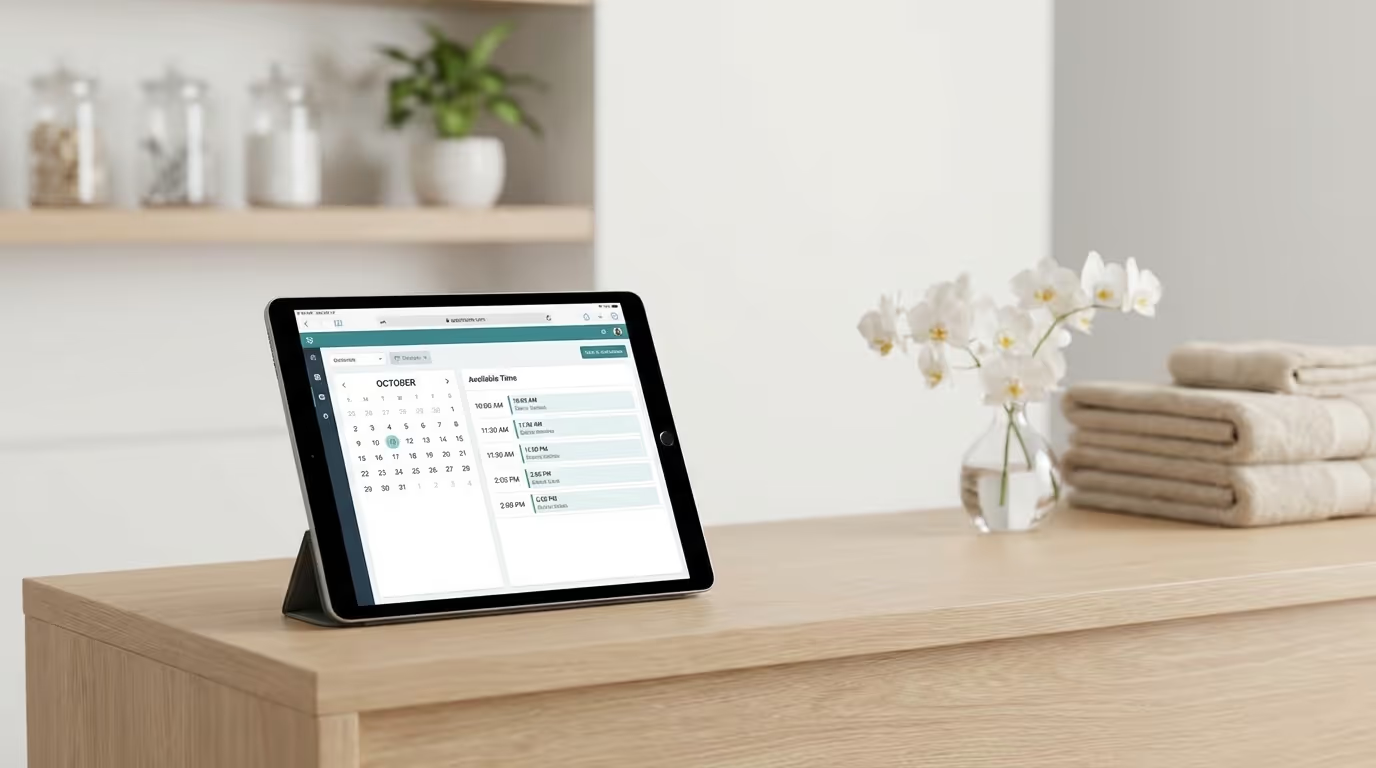
Your booking system is the gateway to revenue. Every patient interaction starts with scheduling — and if your booking experience is clunky, confusing, or requires a phone call during business hours, you are losing patients to the competitor whose website lets them book a Botox appointment at 11 PM on a Tuesday.
Here is what most med spa owners do not realize: your booking software is not just an operational tool. It is a conversion tool. The difference between a booking system that converts 30% of website visitors into appointments and one that converts 15% is the difference between a full schedule and empty chairs. Over the course of a year, that gap can represent $200,000 to $500,000 in lost revenue.
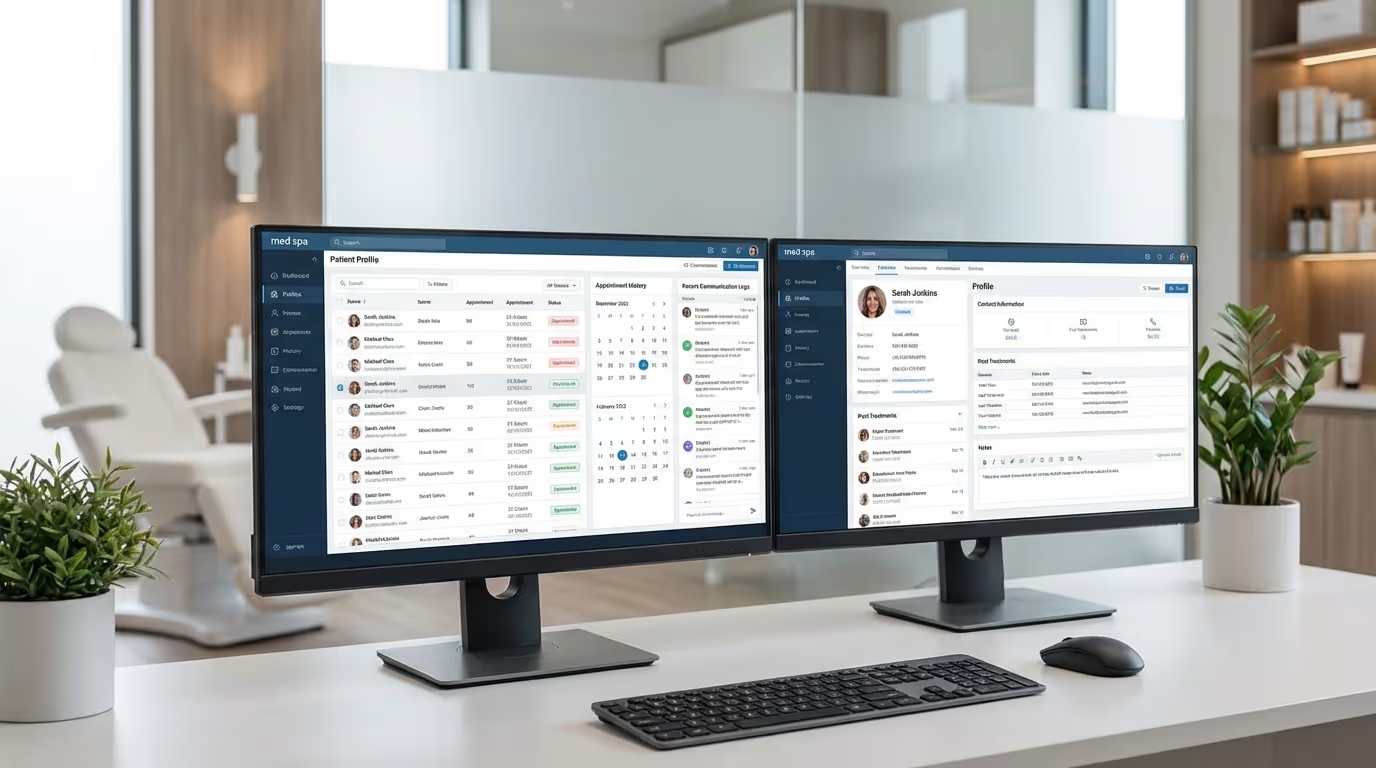
This guide compares the best med spa scheduling software and online booking platforms in 2026, breaks down the med spa appointment software features that actually impact your bottom line, and helps you pick the right platform for your practice — whether you are a single-provider startup or a multi-location operation.
What Makes Med Spa Booking Different
Before comparing platforms, you need to understand why booking for a med spa is fundamentally different from booking for a hair salon, a dentist, or a restaurant. Generic scheduling tools fail in this space because they were not built for the complexity of medical aesthetics.
Complexity of Service Types
A hair salon has a relatively simple menu — cut, color, blowout. A med spa has dozens of services with vastly different requirements.
Time variability. A Botox appointment takes 15 to 20 minutes. A full face of filler takes 45 to 60 minutes. CoolSculpting takes 60 to 120 minutes per area. Your booking system needs to handle this variability without creating scheduling conflicts.
Provider requirements. Not every provider can perform every treatment. Your injector does not do laser treatments. Your laser tech does not do injectables. Your esthetician does not do either. The booking system must route patients to qualified providers based on the service selected. This is not a nice-to-have — it is a compliance requirement.
Room and equipment constraints. If you have two laser rooms and a patient books a laser treatment, the system needs to check room availability, not just provider availability. Same for body contouring devices — if you have one CoolSculpting machine, double-booking is not an option.
Pre-treatment requirements. Some treatments require pre-consultation. Some require patients to stop certain medications or avoid sun exposure. Your booking flow should communicate these requirements at the time of booking, not after. Integrating pre-treatment instructions into the booking confirmation is also how you reduce no-shows.
Conversion Sensitivity
Most med spa treatments are elective. Patients are not booking because they have to — they are booking because they want to. This means any friction in the booking process gives them an excuse to procrastinate, comparison shop, or abandon entirely.
Every additional click costs you conversions. Here is what the data shows across med spa booking flows:
| Friction Point | Conversion Drop | Annual Revenue Loss (200 visitors/week) |
|---|---|---|
| Requiring account creation | 25-40% drop | $65,000 – $104,000 |
| Redirecting to separate portal | 15-20% drop | $39,000 – $52,000 |
| Requiring phone call to complete | 40-60% drop (after hours) | $104,000 – $156,000 |
| More than 3 steps to complete | 20-30% drop | $52,000 – $78,000 |
| Slow page load (4+ seconds) | 25-35% drop | $65,000 – $91,000 |
These numbers assume 200 weekly booking-intent visitors, a $250 average treatment value, and a 20% baseline conversion rate. The losses compound — a system with multiple friction points can easily cost $200,000+ annually in missed bookings.
The Before-and-After of Booking Optimization
| Metric | Before Optimization | After Optimization | Impact |
|---|---|---|---|
| Booking conversion rate | 12-18% | 25-35% | 2x more appointments |
| Average booking time | 4-7 minutes | 45-90 seconds | Fewer abandoned bookings |
| After-hours bookings | 0% (phone only) | 35-45% of all bookings | Captures evening/weekend demand |
| No-show rate | 15-22% | 3-7% (with reminders) | Revenue recovery |
| Mobile booking rate | 20-30% of online bookings | 55-70% of online bookings | Matches traffic distribution |
The 8 Features That Drive Revenue
Not all booking features are created equal. These eight have the biggest impact on your bottom line. When evaluating any platform, score it against each of these.
1. Embedded Online Booking
Your booking widget should live on your website — embedded on service pages, the homepage, and dedicated booking pages. Not a link that redirects to a third-party site. Redirects kill trust and conversion rates.
Best practice: Embed booking directly on each service page. A patient reading about Botox should be able to book Botox without navigating away. The booking flow should pre-select the service they were reading about.
Implementation steps:
- Place the booking widget above the fold on your homepage
- Embed service-specific booking on every treatment page (pre-selecting that treatment)
- Add a persistent "Book Now" button in your site header that stays visible during scrolling
- Create a dedicated /book page for direct linking from ads and email campaigns
- Test the embedded widget on 5+ mobile devices to verify it renders correctly
2. Mobile-First Design
Over 70% of med spa website visits come from mobile devices. If your booking experience is not optimized for a phone screen — large buttons, minimal scrolling, simple forms — you are losing the majority of potential bookings. Your mobile design determines whether mobile visitors convert or bounce.
Mobile booking checklist:
- [ ] Can you complete a booking with one thumb in under 60 seconds?
- [ ] Are buttons large enough to tap without zooming (minimum 44px)?
- [ ] Is the calendar view readable without horizontal scrolling?
- [ ] Are time slots large enough to select accurately on a phone?
- [ ] Does the form use appropriate mobile keyboards (number pad for phone, email keyboard for email)?
- [ ] Is the confirmation message clear and immediate?
3. No Account Required
Forcing patients to create an account before booking is the single biggest conversion killer in med spa scheduling. Collect name, phone, email, and treatment selection. That is it. Create the account behind the scenes after they book.
The data: Practices that removed mandatory account creation saw 25-40% increases in online bookings within 30 days.
Implementation step: If your current platform requires account creation, check if it can be made optional or removed. If not, this alone may be worth switching platforms.
4. Automated Reminders
A booking without a reminder is a no-show waiting to happen. Your system should send a complete appointment reminder sequence:
- Confirmation immediately after booking (email + SMS)
- Reminder 48 hours before (email with pre-treatment instructions)
- Reminder 24 hours before (SMS with confirm/reschedule option)
- Reminder 2 hours before (SMS)
This sequence reduces no-shows from 15 to 20% down to 3 to 7%. For a practice doing 150 appointments per week at $200 average, reducing no-shows by 10 percentage points recovers $156,000 per year.
Reminder benchmarks by channel:
| Channel | Open Rate | Confirmation Rate | No-Show Reduction |
|---|---|---|---|
| SMS | 95-98% | 50-65% | 35-50% |
| 40-55% | 10-20% | 15-25% | |
| Phone call | 15-25% | Varies | 10-15% |
| Push notification | 60-70% | 20-30% | 20-30% |
5. Intelligent Provider Routing
When a patient books "Botox," the system should only show availability for providers who perform Botox. When they book "Laser Hair Removal," only laser-certified providers should appear. This sounds obvious, but many booking systems show a flat provider list and let the patient guess.
Proper routing also prevents compliance issues. If an aesthetician appears as available for injectable treatments, a patient might book with them — and your practice faces a scope of practice violation.
Implementation steps:
- Map every treatment to its qualified providers in your scheduling system
- Map every treatment to required rooms and equipment
- Set buffer times between appointments by treatment type (15 minutes between injectables, 30 minutes between laser treatments)
- Test by booking every treatment type and verifying only appropriate providers appear
6. Waitlist Management
Cancellations happen. A waitlist feature that automatically notifies patients when a preferred time slot opens fills cancellations without front desk effort. A good waitlist system recovers 30 to 50% of cancelled appointments automatically.
How a proper waitlist works:
- Patient wants Tuesday at 2 PM but it is full — they request the waitlist
- Another patient cancels Tuesday at 2 PM
- System instantly notifies the waitlist patient via SMS: "A slot just opened! Reply YES to book."
- First responder gets the slot automatically
- If no response in 2 hours, the next waitlist patient is notified
7. Deposit Collection
Requiring a deposit at booking (typically $25 to $50) dramatically reduces no-shows. Patients who have money on the line show up. Your booking software should support credit card collection at the time of booking with clear deposit and cancellation policies.
Deposit impact on no-shows:
| Deposit Amount | No-Show Rate | Patient Friction |
|---|---|---|
| No deposit | 12-20% | None |
| $25 | 8-12% | Minimal |
| $50 | 5-8% | Low |
| $100 | 3-5% | Moderate (appropriate for $500+ treatments) |
| Full prepayment | 1-3% | Higher (best for packages/memberships) |
8. Smart Scheduling Rules
Your booking system should enforce business rules automatically:
- Buffer time between appointments (providers need prep time)
- Blocked time for lunch, meetings, and administrative tasks
- Multi-appointment blocking (if a patient books a full face of filler, block 60 minutes, not the default 30)
- Recurring appointment scheduling (for treatment series like laser hair removal)
- Seasonal adjustments (longer hours in busy seasons, shorter in slow periods)
- Maximum daily limits by provider (prevent over-scheduling that leads to burnout and poor patient experience)
Med Spa Booking Software Compared
Here is an honest comparison of the major platforms. No affiliate links. No paid placements. Just what we see working across the practices we serve.
GoHighLevel (GHL)
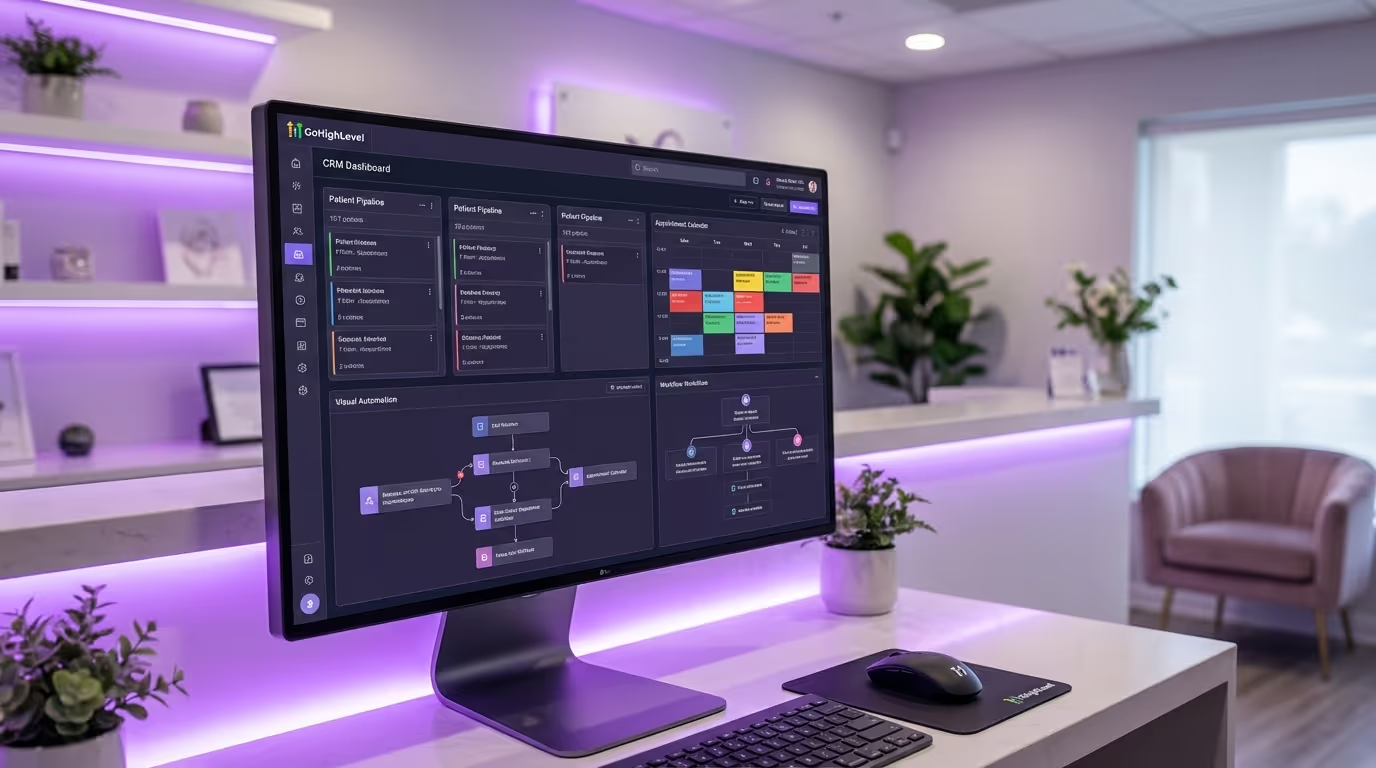
Overview: GHL includes a built-in calendar and booking system as part of its all-in-one CRM and marketing platform. Not a standalone booking tool, but a capable one for practices that want everything in one place.
Booking strengths:
- Embeddable booking widget for your website
- Automated reminders via built-in SMS and email
- Multiple calendar types (per provider, per service, per location)
- Deep integration with CRM, pipelines, and automations
- No per-booking fees
- Powerful automation triggers based on booking events (e.g., auto-assign to drip campaign after booking)
Booking weaknesses:
- Booking widget design is basic — less polished than dedicated booking tools
- Room and equipment scheduling requires workarounds
- Provider routing is functional but not as intuitive as dedicated platforms
- No built-in waitlist management (requires automation workaround)
- Calendar UI can be confusing for practices with 5+ providers
Pricing: Included in GHL subscription ($97 to $497/month depending on plan).
Best for: Practices already using GHL for CRM and marketing that want scheduling in the same platform. Acceptable booking experience, excellent CRM integration. The automation capabilities — triggering welcome sequences, tagging patients, and launching nurture campaigns from booking events — are unmatched.
Conversion optimization score: 6/10 (booking UX is functional, not premium) Integration score: 10/10 (everything lives in one platform) Scalability score: 7/10 (works for 1-3 locations, gets complex beyond that)
AestheticsPro
Overview: All-in-one med spa platform where booking is tightly integrated with EMR, POS, and practice management.
Booking strengths:
- Purpose-built for med spa scheduling complexity
- Provider and room-aware scheduling
- Treatment-specific time slots with automatic duration management
- Integrated with EMR, inventory, and billing
- Waitlist management included
- HIPAA-compliant out of the box
Booking weaknesses:
- Online booking interface feels dated
- Mobile booking experience is not as smooth as modern platforms
- Limited customization of the patient-facing booking page
- Reminder customization is basic
- Website embed is less seamless than modern alternatives
Pricing: Included in AestheticsPro subscription (starts around $250/month).
Best for: Practices using AestheticsPro as their all-in-one platform that want scheduling, EMR, and billing in one system. Clinical-operational integration is excellent. Patient-facing booking experience is the trade-off.
Conversion optimization score: 5/10 (dated booking interface hurts conversions) Integration score: 9/10 (EMR + scheduling + billing in one) Scalability score: 6/10 (single-location focused)
Boulevard
Overview: Built for high-end salons and spas with a medical aesthetics extension. Best-in-class booking and client experience.
Booking strengths:
- Best-in-class online booking interface — clean, modern, and high-converting
- Smart scheduling with provider, room, and equipment awareness
- Automated waitlist management
- Deposit collection at booking
- Excellent mobile booking experience
- Duo booking (patients can book multiple services or multiple people in one flow)
- Beautiful confirmation and reminder messages
Booking weaknesses:
- Medical charting capabilities are limited (you will need a separate EMR)
- Higher price point than some alternatives
- Better suited for spa-focused practices than heavy injection clinics
- Limited CRM and marketing automation compared to dedicated CRM platforms
- Email marketing features are basic
Pricing: Starts around $175/month. Scales with features and locations.
Best for: Practices that prioritize the patient booking experience and front-of-house operations. Excellent for spa-focused med spas, less ideal for injection-only clinics. If patient experience and brand perception are your top priorities, Boulevard's booking flow is the best in the industry.
Conversion optimization score: 9/10 (best patient-facing experience) Integration score: 6/10 (limited EMR and marketing automation) Scalability score: 8/10 (growing multi-location capabilities)
Vagaro
Overview: Popular scheduling and business management platform for beauty and wellness businesses, including med spas.
Booking strengths:
- Affordable entry point
- Clean online booking interface
- Marketplace listing that can drive new patient discovery
- POS and payment processing included
- Client management and basic CRM features
- Mobile app for providers and patients
Booking weaknesses:
- Not built specifically for medical environments
- No HIPAA-compliant documentation features
- Marketing automation is basic
- Limited reporting and analytics compared to dedicated CRM platforms
- Per-provider pricing adds up for larger practices
- Marketplace listing can also benefit your competitors
Pricing: Starts at $30/month for one provider. $10/month per additional provider. Add-ons for marketing, website, and advanced features.
Best for: Small, budget-conscious med spas (1 to 2 providers) that need simple, affordable scheduling without complex clinical requirements. Good starting platform that many practices outgrow within 12-18 months.
Conversion optimization score: 7/10 (clean and functional) Integration score: 5/10 (limited third-party integrations) Scalability score: 5/10 (per-provider pricing and limited features for larger practices)
Mangomint
Overview: Modern salon and spa software built on clean design and automation. Growing presence in the medical aesthetics space.
Booking strengths:
- Beautifully designed booking experience
- Smart scheduling with buffer times and provider preferences
- Two-way texting for appointment communication
- Strong automation features (reminders, follow-ups, waitlist)
- Express booking for returning clients (minimal data entry on repeat visits)
- Intelligent self-booking that prevents scheduling conflicts automatically
Booking weaknesses:
- No medical charting or EMR capabilities
- HIPAA compliance is newer and less proven
- Smaller company with fewer resources than enterprise competitors
- Integration ecosystem is still growing
- Marketing automation is limited compared to dedicated CRM platforms
Pricing: Custom pricing based on practice size. Generally competitive with Boulevard.
Best for: Design-conscious practices that want a modern booking experience and strong automation, and are willing to use a separate EMR and CRM. Particularly strong for practices that value automation and want a system that feels "smart."
Conversion optimization score: 9/10 (excellent UX and automation) Integration score: 6/10 (growing but limited) Scalability score: 7/10 (well-suited for 1-3 locations)
Zenoti
Overview: Enterprise-level platform for multi-location spas, salons, and med spas. Comprehensive but complex.
Booking strengths:
- Enterprise-grade scheduling with multi-location support
- Advanced capacity management and resource optimization
- Powerful reporting and analytics
- Patient portal with booking, history, and loyalty
- Integrated POS, CRM, and marketing
- AI-powered scheduling optimization
Booking weaknesses:
- Complex implementation (3 to 6 months typical)
- Enterprise pricing not suitable for single-location practices
- Steep learning curve for staff
- Overkill for practices with fewer than 3 locations or 5 providers
- Customer support quality varies
Pricing: Enterprise pricing, typically $500 to $2,000+/month depending on locations and features. Requires implementation fees ($5,000-$15,000+).
Best for: Multi-location med spa brands with 3+ locations that need enterprise scheduling, reporting, and centralized management. If you are operating at scale and need a platform that can manage complex scheduling across multiple locations with centralized analytics, Zenoti is the industry leader.
Conversion optimization score: 7/10 (functional but not the most modern UX) Integration score: 9/10 (comprehensive platform) Scalability score: 10/10 (built for enterprise)
Platform Comparison Summary
| Feature | GHL | AestheticsPro | Boulevard | Vagaro | Mangomint | Zenoti |
|---|---|---|---|---|---|---|
| Online booking UX | Basic | Dated | Excellent | Good | Excellent | Good |
| Mobile booking | Fair | Fair | Excellent | Good | Excellent | Good |
| Provider routing | Basic | Advanced | Advanced | Basic | Advanced | Advanced |
| Room/equipment scheduling | Workaround | Built-in | Built-in | Limited | Built-in | Built-in |
| Automated reminders | Excellent | Basic | Good | Basic | Excellent | Good |
| Waitlist | Workaround | Built-in | Built-in | No | Built-in | Built-in |
| Deposit collection | Yes | Yes | Yes | Yes | Yes | Yes |
| EMR integration | No | Built-in | Limited | No | No | Optional |
| CRM/marketing | Excellent | Basic | Limited | Basic | Limited | Good |
| Pricing (monthly) | $97-497 | ~$250+ | ~$175+ | $30+ | Custom | $500-2000+ |
| Best for | CRM-focused | Clinical ops | Patient experience | Budget-conscious | Modern + automation | Multi-location |
How to Choose: Decision Framework
Use this framework to narrow your options based on your practice profile.
Single Location, 1-3 Providers
If you prioritize simplicity and affordability: Vagaro. It gets the job done at a fraction of the cost. Ideal for practices in their first 6-12 months that need to get online booking running quickly.
If you prioritize patient experience: Mangomint or Boulevard. Premium booking experiences that make patients want to book. Worth the investment if your brand positioning is premium.
If you want all-in-one CRM + booking: GHL. Acceptable booking, excellent CRM and marketing automation. Best choice if your priority is building automated marketing funnels and email sequences triggered by booking events.
Single Location, 4+ Providers
If you prioritize clinical integration: AestheticsPro. Booking tightly integrated with EMR and clinical workflows. Providers and front desk work in one system.
If you prioritize front-of-house experience: Boulevard. Best booking experience with provider and room management. Supplement with a separate EMR for clinical documentation.
If you prioritize marketing automation: GHL with a booking focus. Build automations around every booking event — new patient welcome sequences, treatment reminders, post-visit review requests, and reactivation campaigns.
Multi-Location
If you need enterprise management: Zenoti. Built for the complexity of multi-location scheduling, reporting, and centralized management.
If you need enterprise but lighter: Boulevard. Growing multi-location capabilities without the Zenoti complexity and price tag.
Decision Matrix
Score each platform 1-5 on the factors that matter most to your practice:
| Factor | Weight for Your Practice | GHL | AestheticsPro | Boulevard | Vagaro | Mangomint | Zenoti |
|---|---|---|---|---|---|---|---|
| Booking conversion UX | ___ | 3 | 2 | 5 | 4 | 5 | 3 |
| CRM/marketing integration | ___ | 5 | 3 | 2 | 2 | 2 | 4 |
| Clinical integration (EMR) | ___ | 1 | 5 | 2 | 1 | 1 | 3 |
| Reminder automation | ___ | 5 | 3 | 4 | 3 | 5 | 4 |
| Multi-location support | ___ | 3 | 2 | 4 | 2 | 3 | 5 |
| Affordability | ___ | 4 | 3 | 3 | 5 | 3 | 1 |
| Ease of setup | ___ | 3 | 3 | 4 | 5 | 4 | 1 |
How to use: Assign a weight (1-5) to each factor based on your priorities. Multiply the weight by each platform's score. The highest total is your best fit.
The Numbers: What Good Booking Software Is Worth
Let's do the math on what upgrading your booking system actually means for revenue.
Baseline practice:
- 200 website visitors per week interested in booking
- Current booking conversion rate: 15%
- Current no-show rate: 18%
- Average treatment value: $250
- Appointments booked per week: 30
- Appointments completed: 24.6
After upgrading to proper booking software:
- Booking conversion rate improves to 25% (better UX, embedded booking, no account required)
- No-show rate drops to 5% (automated reminders, deposits)
- Appointments booked per week: 50
- Appointments completed: 47.5
Revenue impact:
| Metric | Before | After | Difference |
|---|---|---|---|
| Bookings/week | 30 | 50 | +20 |
| Completed appts/week | 24.6 | 47.5 | +22.9 |
| Weekly revenue | $6,150 | $11,875 | +$5,725 |
| Monthly revenue | $24,600 | $47,500 | +$22,900 |
| Annual revenue | $319,800 | $617,500 | +$297,700 |
Even if these numbers are aggressive for your practice, cut them in half and you are still looking at $150,000+ in additional annual revenue from a booking system that costs $200 to $500/month. The ROI is not close.
Downstream Revenue Impact
The revenue math above only counts the first appointment. Factor in patient lifetime value:
| Metric | Conservative | Moderate | Aggressive |
|---|---|---|---|
| First treatment value | $250 | $250 | $250 |
| Rebooking rate | 40% | 55% | 70% |
| Average treatments/year per patient | 3 | 5 | 8 |
| Annual value per acquired patient | $750 | $1,250 | $2,000 |
| Additional patients from better booking (per year) | 1,190 | 1,190 | 1,190 |
| Total additional annual revenue | $892,500 | $1,487,500 | $2,380,000 |
Better booking software does not just fill tomorrow's calendar. It fills the next 3 years of calendars by bringing more patients into your ecosystem — patients who rebook, buy retail, join your membership program, and refer friends.
Implementation Checklist
When you have picked your platform, follow this checklist for a smooth transition.
Week 1: Configuration
- [ ] Set up provider profiles with correct service assignments
- [ ] Configure time slots for every treatment type (accurate durations)
- [ ] Set up room and equipment constraints
- [ ] Configure business hours, holidays, and blocked time
- [ ] Set up automated reminder sequences (email + SMS)
- [ ] Configure deposit collection and cancellation policy
- [ ] Build provider routing rules (which providers can perform which treatments)
- [ ] Set buffer times between appointments by treatment type
- [ ] Configure recurring appointment scheduling for treatment series
Week 2: Integration and Testing
- [ ] Embed booking widget on website (homepage, service pages, dedicated booking page)
- [ ] Test booking flow on mobile and desktop (5+ devices)
- [ ] Test reminder sequences (book test appointments, verify all messages send correctly)
- [ ] Connect to CRM for lead tracking and automation triggers
- [ ] Set up waitlist feature
- [ ] Run test bookings with staff playing the patient role (test every treatment type)
- [ ] Verify that booking confirmation emails include correct details and pre-treatment instructions
- [ ] Test deposit collection and refund processes
Week 3: Soft Launch
- [ ] Enable online booking for new patients only
- [ ] Monitor for scheduling conflicts or errors
- [ ] Collect feedback from front desk staff (what is working, what is confusing)
- [ ] Adjust time slots and buffer times based on real usage
- [ ] Verify reminders are sending correctly and on schedule
- [ ] Monitor mobile booking completion rates
- [ ] Check that provider routing is working correctly (no misrouted bookings)
Week 4: Full Launch
- [ ] Enable booking for all patients (new and existing)
- [ ] Promote online booking via email, SMS, and in-office signage
- [ ] Monitor conversion rates and no-show rates
- [ ] Set up monthly reporting on booking metrics
- [ ] Train all staff on managing the new booking system
- [ ] Update Google Business Profile with online booking link
- [ ] Add booking links to all social media profiles
Common Implementation Mistakes
| Mistake | Impact | Prevention |
|---|---|---|
| Not mapping treatment durations accurately | Double-bookings, rushed treatments | Shadow each provider for a week to time real treatments |
| Forgetting buffer times | Back-to-back appointments with no prep time | Add 10-15 min buffers for injectables, 15-30 for laser |
| Not testing on mobile | Broken mobile experience loses 70% of visitors | Test on 5+ phone models before launch |
| Launching without reminder automation | No-show rate stays high | Configure reminders before enabling patient-facing booking |
| Not training front desk staff | Confusion, manual workarounds, frustrated staff | Dedicate 4-8 hours of hands-on training |
Measuring Booking Software Performance
Track these KPIs monthly to ensure your booking software is performing:
| Metric | Target | How to Track |
|---|---|---|
| Online booking conversion rate | 25-35% of visitors who see the widget | Booking software analytics + Google Analytics |
| Mobile booking conversion rate | 20-30% | Booking software analytics (mobile segment) |
| Average booking completion time | Under 90 seconds | Booking software analytics or user testing |
| No-show rate | Under 5% | Scheduling system reporting |
| Cancellation rate | Under 10% | Scheduling system reporting |
| Waitlist fill rate | 30-50% of cancellations filled | Waitlist automation reporting |
| After-hours booking % | 30-45% of total bookings | Booking software analytics |
| Booking source (website vs. phone vs. in-person) | Trending toward 50%+ online | Scheduling system + CRM |
Monthly reporting template:
| Month | Total Bookings | Online % | Mobile % | No-Show Rate | Waitlist Fills | Revenue per Booking |
|---|---|---|---|---|---|---|
| January | ___ | ___% | ___% | ___% | ___ | $___ |
| February | ___ | ___% | ___% | ___% | ___ | $___ |
| ... |
Booking Software and Your Tech Stack
Booking software does not exist in isolation. It needs to integrate with your complete med spa technology ecosystem. Here is how the pieces connect:
| System | How It Connects to Booking | Why It Matters |
|---|---|---|
| CRM | New bookings create/update patient records | Patient data flows automatically |
| EMR | Booking creates clinical record for provider | Chart is ready when patient arrives |
| Email marketing | Booking triggers welcome and prep sequences | Automated patient communication |
| SMS marketing | Booking triggers confirmation and reminders | No-show reduction |
| Management software | Booking feeds into reporting and analytics | Business performance visibility |
| Website | Embedded widget on all relevant pages | Conversion optimization |
| Google Ads | Booking = conversion event for optimization | Better ad performance |
| Payment processing | Deposit collection and prepayment | Revenue protection |
The ideal setup: Your booking software either IS your CRM (like GHL) or integrates seamlessly with it via API. Every booking event should trigger automated actions — confirmation, reminders, CRM updates, marketing sequences, and analytics tracking — without manual intervention.
Beyond Booking: The Complete System
Booking software gets patients on your calendar. But what happens before and after the booking is what determines whether that one appointment turns into a $10,000+ lifetime patient.
The practices that win are the ones that connect their booking system to their CRM, their email marketing, their drip campaigns, and their reactivation workflows — so every booking triggers a chain of automated touchpoints that maximize show rates, satisfaction, reviews, and rebookings.
The booking is the first transaction in a relationship that should last years. Your software stack should treat it that way.
The patient lifecycle, powered by connected software:
- Patient finds you → Google Ads, SEO, social media
- Patient books → Booking software (embedded on your website)
- Patient is confirmed and prepped → Automated reminders via CRM
- Patient arrives and is treated → EMR for documentation, POS for payment
- Patient is followed up → Welcome sequence, review request, treatment reminder
- Patient rebooks → Treatment reminder automation, membership enrollment
- Patient refers → Referral program automation
- Patient lapses → Reactivation campaign
If you want to see what a fully connected med spa operating system looks like — booking, CRM, automations, reputation management, and reporting in one platform — we built it.